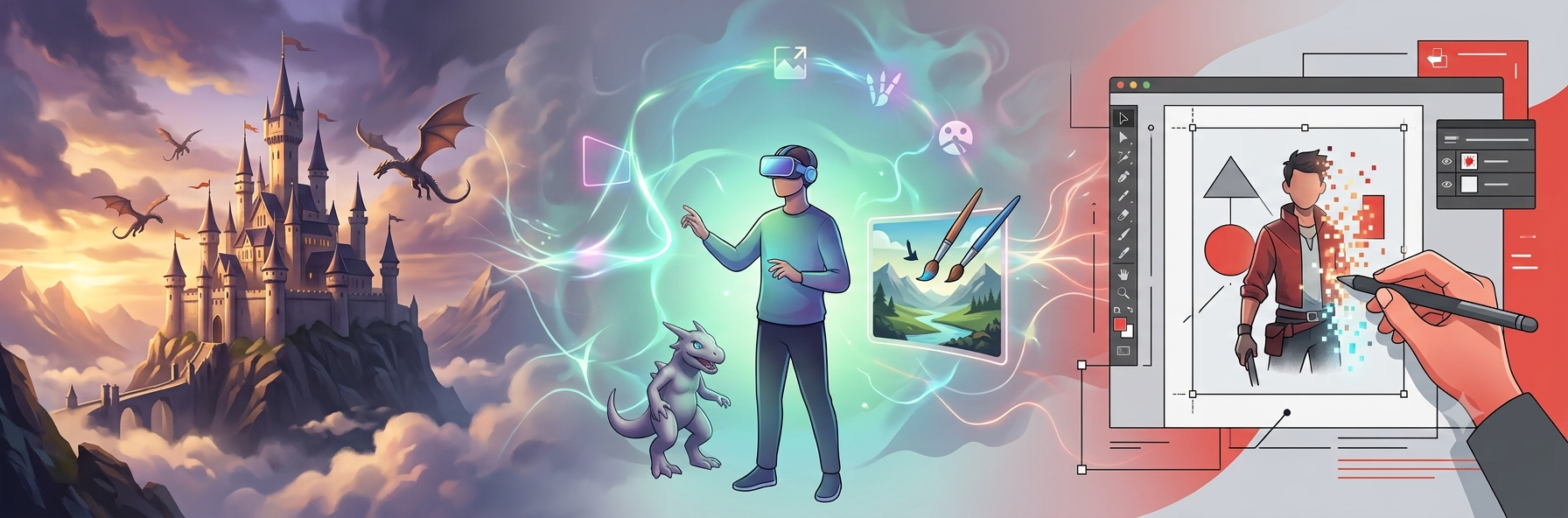
Coming up with a great concept isn’t always the hard part, turning it into a good visual is. That’s where AI concept art tools can really help.
Whether you’re designing characters, environments, creatures, or just exploring different ideas, these tools can turn a simple prompt into a starting point in seconds. They’re not here to replace artists, but they can definitely speed up the creative process.
With so many AI art tools available now, choosing one isn’t always easy. Some are better for creating beautiful artwork, while others give you more control over editing and refining your ideas.
In this guide, we’re looking at three of the best AI concept art tools in 2026: Krea AI, Midjourney, and Adobe Firefly.
What Makes a Good AI Concept Art Tool?
Not every AI image generator is a good fit for concept art.
The best ones let you explore different ideas quickly, give you plenty of creative control, and make it easy to refine your work instead of starting over every time.
For this comparison, we looked at four things:
- Image quality
- Ease of use
- Creative control
- Extra tools like editing, upscaling, and reference images
So, let’s start exploring these three tools in more detail.
Krea AI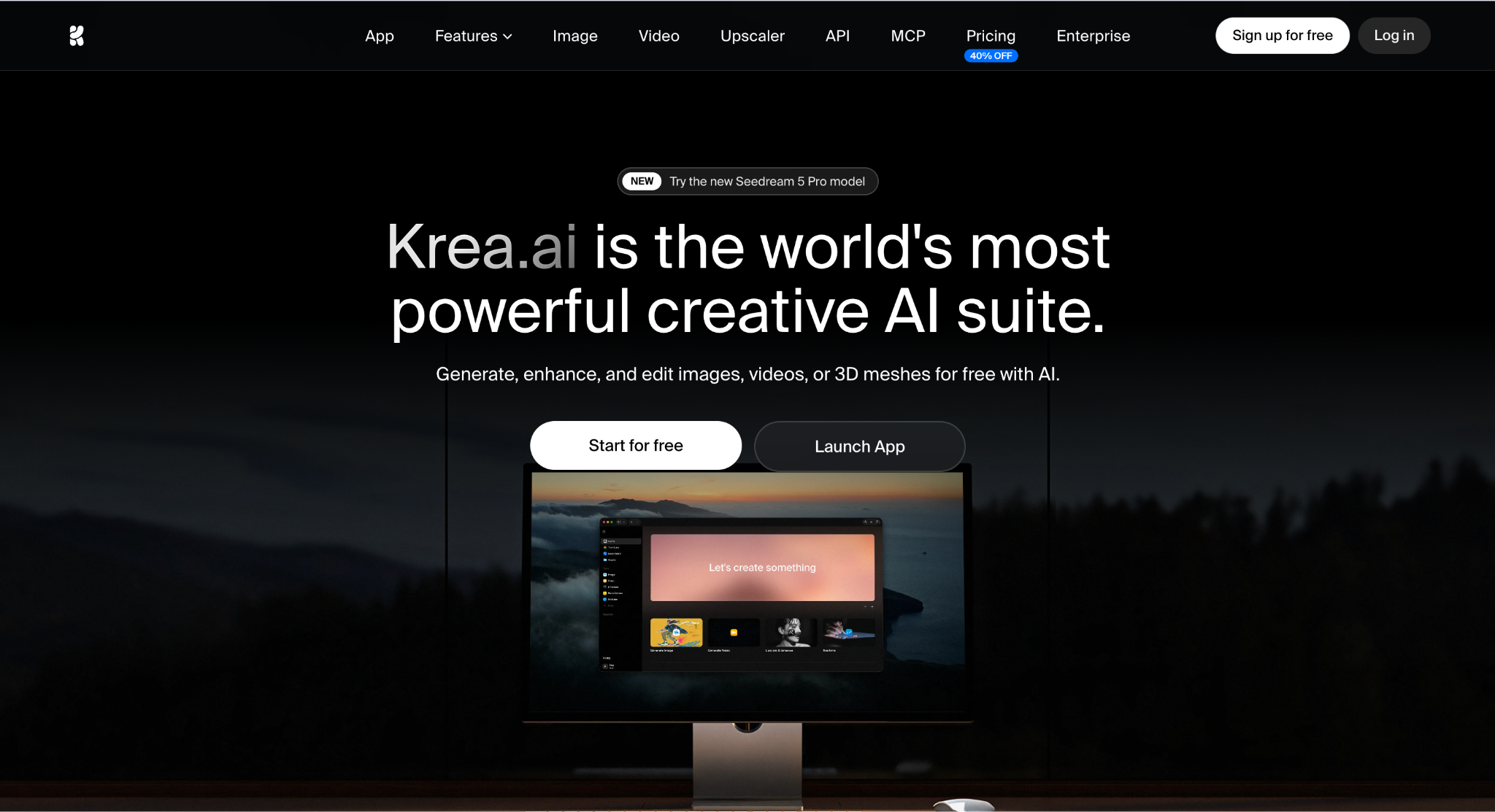
If you’re looking for one tool that can handle almost everything, Krea AI is probably the best place to start.
What I like most is that it feels like more than just an image generator. You can create concept art, edit it, upscale it, generate variations, and even work with video and 3D tools without leaving the platform.
Another big advantage is flexibility. Krea gives you access to its own Krea 2 model, along with more than 60 other AI models, so it’s easy to compare different styles and find the look you’re after.
Despite offering a lot of features, the interface stays clean and easy to use. You don’t have to spend hours learning where everything is, which makes it great for both beginners and experienced artists.
There’s also a free plan if you just want to try it out, while the paid plans unlock higher resolutions, more models, LoRA training, workflow automation, and commercial use.
Why you’ll like it
- Very easy to use
- More than 60 AI models in one place
- Generate, edit, upscale, and animate your artwork
- Free plan available
- Great for experimenting with different styles
A couple of things to keep in mind
- Some advanced features require a paid plan.
Best for: Artists and designers who want one platform for their entire creative workflow.
Midjourney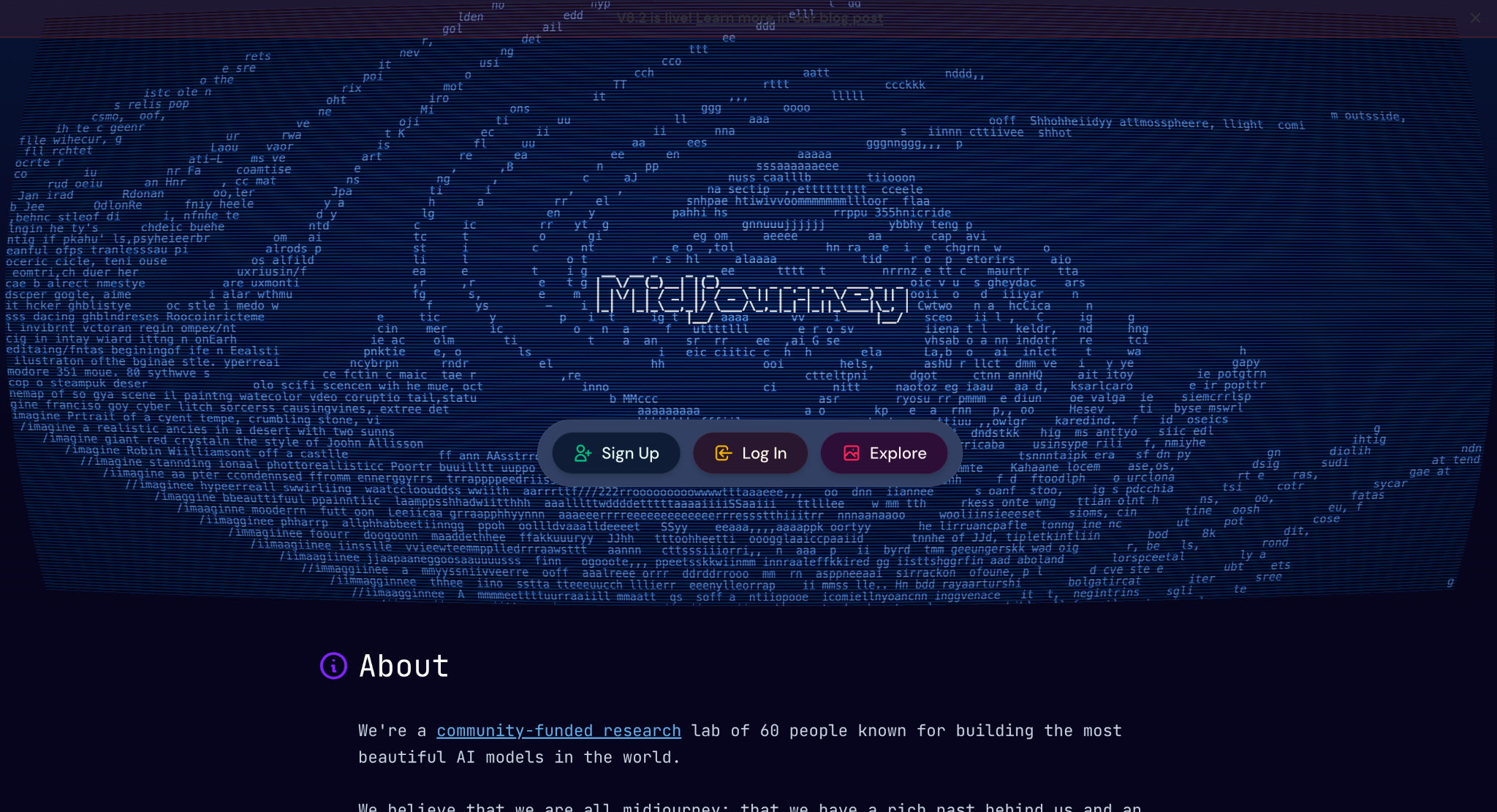
If your main goal is creating beautiful concept art, Midjourney is still one of the best tools out there.
It’s especially good at creating fantasy worlds, sci-fi scenes, characters, and cinematic environments. Even with a fairly simple prompt, the results often look polished and creative, which is one of the reasons so many artists still use it for brainstorming.
That said, Midjourney is much more focused on image generation than editing. If you like tweaking your artwork after it’s generated, you’ll probably need to use another tool alongside it. But if you’re looking for inspiration or want to create stunning visuals quickly, it’s hard to go wrong.
Why you’ll like it
- Good image quality
- Great for fantasy, sci-fi, and stylized artwork
- Strong prompt understanding
- Big creative community for inspiration
A couple of things to keep in mind
- Fewer editing tools than some competitors
- It takes a little practice to get the best results from your prompts
Best for: Artists looking for high-quality concept art and creative inspiration.
Adobe Firefly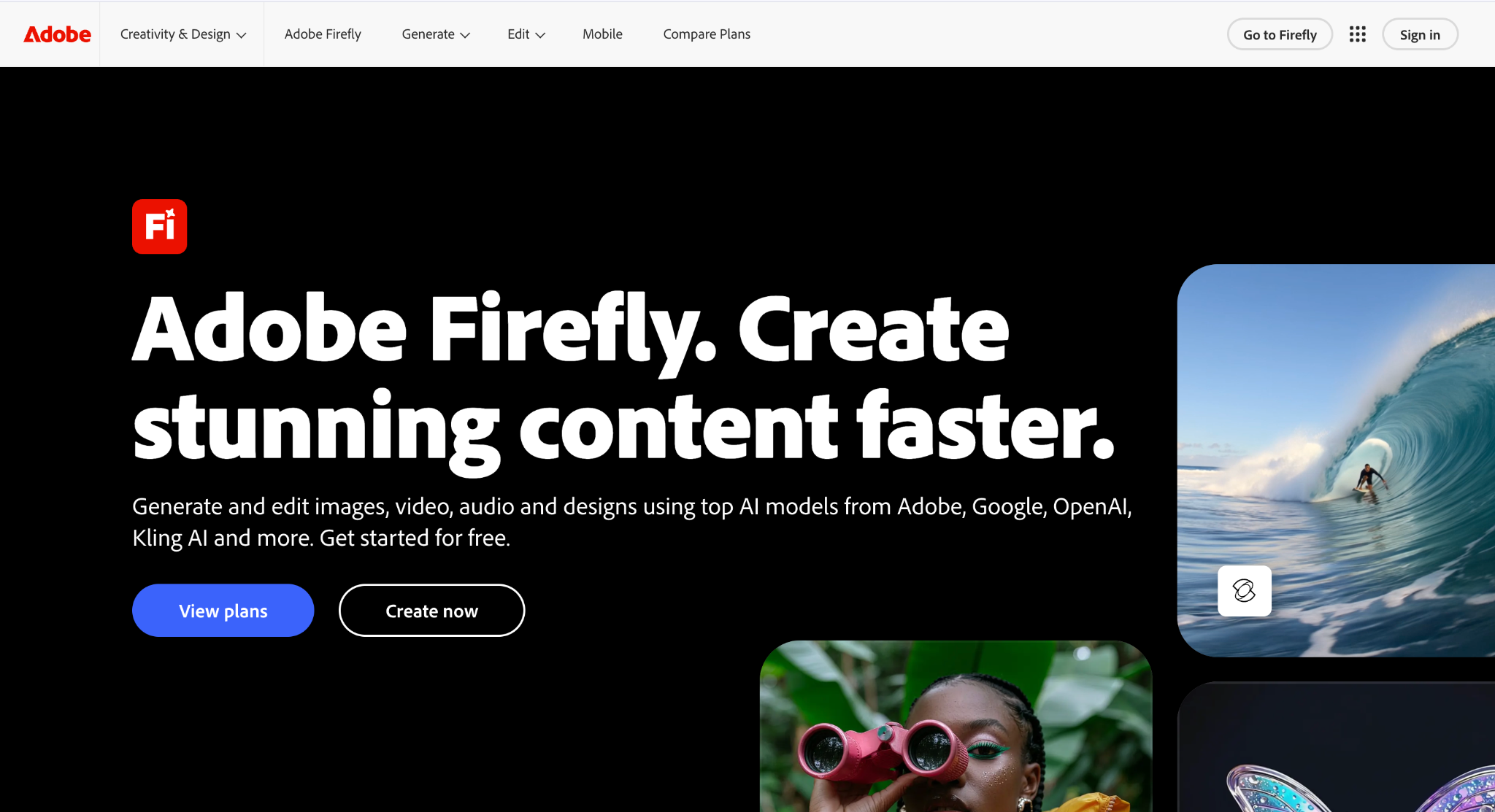
If you already use Photoshop or other Adobe apps, Adobe Firefly is an easy recommendation.
Instead of trying to be a standalone AI art platform, Firefly fits into the tools many designers already use. You can generate images, expand backgrounds, remove objects, or add new elements without leaving Photoshop, which makes editing much quicker.
It’s probably not the first tool I’d choose if my only goal was creating fantasy characters or detailed concept art from scratch. But for designers who want to combine AI with their existing workflow, it’s a really practical option.
Why you’ll like it
- Works seamlessly with Photoshop and other Adobe apps
- Easy-to-use editing features like Generative Fill
- Great for refining and improving artwork
- Commercial-friendly for professional design work
A couple of things to keep in mind
- You’ll get the most out of it if you already use Adobe Creative Cloud
- Better for editing and production than highly stylized concept art
Best for: Designers and creative professionals already working in the Adobe ecosystem.
Which Tool Should You Choose?
All three tools are excellent, but they’re designed for slightly different types of creators.
If you want one platform that can do a bit of everything, Krea AI is the strongest overall choice. It’s easy to use, packed with features, and gives you plenty of freedom to experiment without jumping between different tools.
If your priority is creating beautiful concept art with as little effort as possible, Midjourney can be a good option.
And if you already spend most of your time in Photoshop or other Adobe apps, Adobe Firefly will probably fit better into your workflow.
Published: August 10, 2026