Network hardware rarely reaches the end of its useful life on a single date. A switch may still handle traffic reliably after its normal OEM support window ends. The same can apply to routers, wireless controllers, firewalls, and other network devices.
Replacing every aging device immediately can create a costly refresh project. New hardware may also require configuration changes, compatibility testing, new optics, or downtime. Some networks gain more value by keeping proven equipment in place longer.
Third-party support can make that approach practical. The key is knowing which devices remain suitable and which have reached a real technical limit.
How Third-Party Network Maintenance Keeps Hardware Productive Longer
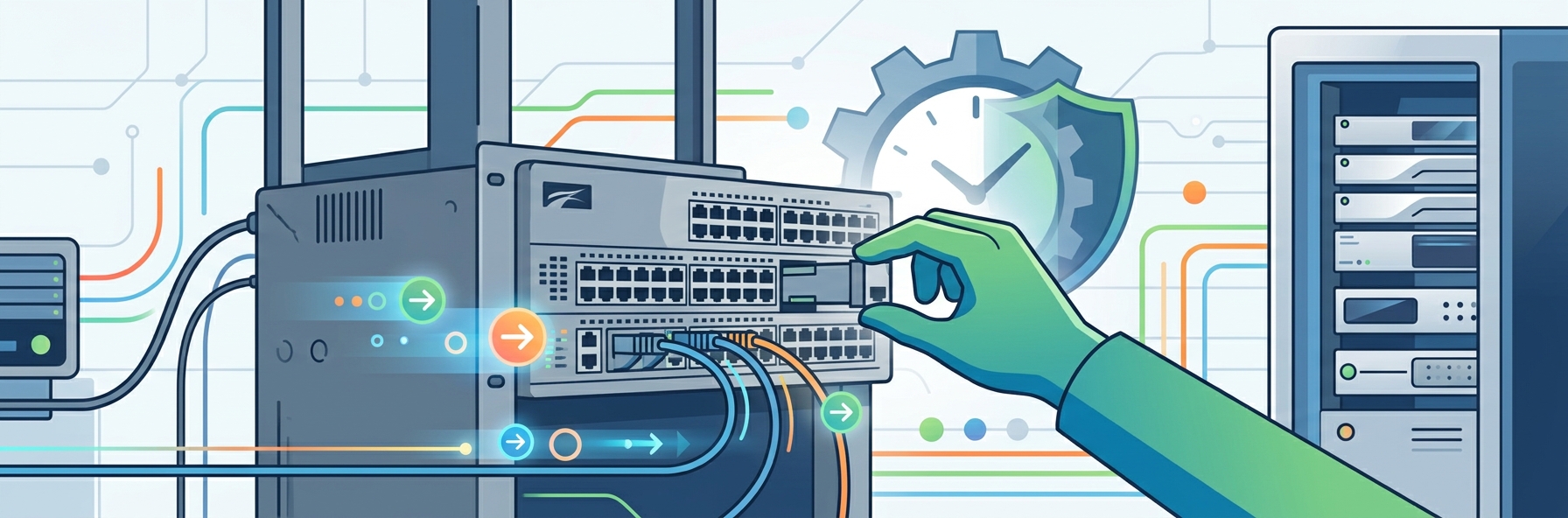
Third-party network maintenance provides hardware support through an independent provider rather than the original manufacturer. Coverage can include troubleshooting, replacement equipment, onsite engineers, and defined response times. It gives network teams another support path when existing devices still meet operational needs.
Keep Stable Switches and Routers in Service
Network devices often run predictable workloads for long periods. An access switch supporting office users may not need replacement just because a newer generation exists. Routers can also remain useful when current throughput and interface capacity remain sufficient.
Continued support lets teams keep those devices in production. Teams can diagnose and replace failed hardware without refreshing the wider network. Capital spending can then move toward areas with stronger upgrade needs.
Replace Failed Hardware Without Redesigning the Network
Replacing an existing switch with a new platform can involve more than changing one box. Configuration syntax, transceivers, stacking methods, uplink speeds, and management tools may also change. Those dependencies can turn a simple replacement into a wider network project.
Maintenance coverage gives teams another option after hardware failure. A compatible replacement can restore the existing design without forcing immediate architecture changes. The wider refresh can happen later under a planned project.
Preserve Equipment Needed by Older Environments
Older network equipment sometimes remains because another system depends on it. Industrial devices, building systems, appliances, and specialized applications may use older interfaces or network standards. Moving them can require coordination beyond the network team.
Maintaining compatible hardware can protect those dependencies during transition periods. Teams gain more time to replace connected systems in the correct order. Network refresh work no longer needs to precede every dependent project.
Network Hardware Ages Differently From Other Data Center Equipment
Network hardware often has a different replacement trigger than compute infrastructure. A switch doesn’t need more processing power simply because applications grow. Its useful life depends more on port demand, throughput, PoE requirements, interfaces, software support, and traffic patterns.
Access switches can remain especially stable when user counts and device requirements change slowly. A 48-port switch may continue handling the same floor or branch for years. Replacement becomes more valuable when port speeds, PoE budgets, uplinks, or management requirements exceed its capabilities.
OEM lifecycle milestones still matter because manufacturer support eventually changes. Cisco’s current EOL policy generally provides five years of hardware TAC support and replacement parts after end of sale. Its Last Date of Support marks the final date for support under active contracts.
Where Extended Network Support Often Makes Sense
Not every older device belongs in an extended lifecycle. Good candidates usually have stable requirements, manageable failure risk, and no immediate software limitation.
- Keep access switches supporting stable user and device loads.
- Cover branch routers where bandwidth demand remains predictable.
- Support spare chassis used for rapid hardware replacement.
- Maintain legacy switches tied to specialized industrial systems.
- Extend backup network equipment with lower operational priority.
- Retain compatible modules needed across older network estates.
Use Spare Hardware and SLAs to Protect Network Uptime
Keeping network equipment longer requires more than finding someone who can repair it. Network failures can disconnect entire floors, branches, racks, or services at once. Support planning must therefore consider where spares sit and how quickly replacement equipment can reach each site.
Match Response Times to Network Impact
A failed core switch carries a different risk than a single access switch. Service levels should reflect the number of users, devices, and services dependent on each component. Critical network layers may require much faster replacement commitments.
Lower-risk equipment can use less aggressive response terms. Branches with redundant paths may tolerate next-day support. This keeps maintenance spending connected to actual downtime exposure.
Position Replacement Equipment Near Critical Sites
A four-hour SLA has limited value when the replacement device sits far away. Ask where switches, routers, power supplies, supervisors, and line cards are physically stocked. Local inventory can make the difference during a major outage.
Some organizations also keep their own strategic spares. The maintenance provider can then replenish or support those units after an incident. This approach can shorten recovery for network hardware with difficult logistics.
Plan for Modules and Optics, Not Only Chassis
Network equipment depends on more than the main switch or router. Power supplies, fan modules, supervisor cards, line cards, stacking components, and transceivers can all fail. Support coverage should reflect the actual production bill of materials.
Older environments can become harder to support when specific modules become scarce. Teams should review part availability before extending a platform another year. A healthy chassis provides little protection when a critical module cannot be replaced quickly.
Know the Software and Firmware Limits Before Extending Hardware Life
Hardware maintenance cannot keep every part of a network platform current. A provider may replace a failed switch while the OEM has stopped developing software for that product. Security fixes and operating system support therefore need separate review.
HPE Aruba Networking states that most hardware reaches End of Support Life five years after End of Sale. After that point, its technical support services for the product become unavailable. Its policy also notes that software downloads and documentation may eventually become unavailable for discontinued hardware.
Vendor policies also vary by platform. Juniper publishes product-specific EOL notifications containing milestones and replacement information, with some timelines affected by third-party software or firmware components. Network teams should check the exact device family instead of applying one lifecycle assumption across every vendor.
Build Third-Party Maintenance Into Network Lifecycle Planning
Third-party maintenance works best as a planned lifecycle stage, not a last-minute response to EOSL. Network teams can identify suitable devices before OEM coverage ends and decide how long each platform should remain in service. That creates time to organize spares, SLAs, software checks, and eventual refresh projects.
Segment the Network by Operational Risk
Start by separating core, distribution, access, branch, wireless, and backup infrastructure. Each layer carries a different failure impact and refresh requirement. One support policy rarely fits all of them.
Core infrastructure may justify newer hardware and stronger OEM coverage. Stable access layers may support longer cycles. Secondary equipment can often tolerate even more flexible maintenance terms.
Set Technical Triggers for Refresh
Every extended device should have clear reasons that will eventually trigger replacement. These could include exhausted port capacity, insufficient PoE, unsupported software, unavailable spares, or repeated failures. Age should be one factor, not the only one.
Traffic growth can also create a natural exit point. A branch router that once handled available bandwidth may eventually become a bottleneck. Refreshing at that point solves a measurable problem.
Refresh the Network in Stages
A full network replacement can affect many sites and thousands of ports. Extending suitable hardware lets teams divide that work into smaller phases. High-risk or constrained devices can move first.
Other equipment can remain supported until its scheduled phase arrives. Budget, engineering time, and outage windows become easier to spread across several periods. The network moves forward without forcing every device onto the same refresh date.
Signs Network Hardware Should Finally Be Retired
Extended maintenance should create useful time, not keep unsuitable equipment running forever. Refresh becomes the stronger option when technical limits begin affecting security, capacity, reliability, or recovery.
- Packet loss rises despite normal configuration and cabling.
- Port capacity no longer supports planned device growth.
- Required security fixes stop for deployed operating software.
- Replacement units become difficult to source within SLA.
- Power consumption outweighs savings from continued hardware support.
- New standards require interfaces the platform cannot provide.
- Repeated failures create unacceptable risk across redundant pairs.
Conclusion
Extending network hardware life is not about keeping old equipment simply because replacement costs money. It is about separating devices that genuinely need an upgrade from those still doing their jobs reliably.
Third-party support can keep switches, routers, and other equipment covered while network teams control their own refresh schedule. Consider parts planning, local spares, SLAs, firmware status, and software support.
A mature network lifecycle can include both OEM support and extended maintenance. Refresh equipment when capacity, security, reliability, or architecture demands it. Keep stable hardware longer when replacement would add cost without solving a real network problem.
Published: September 2, 2026