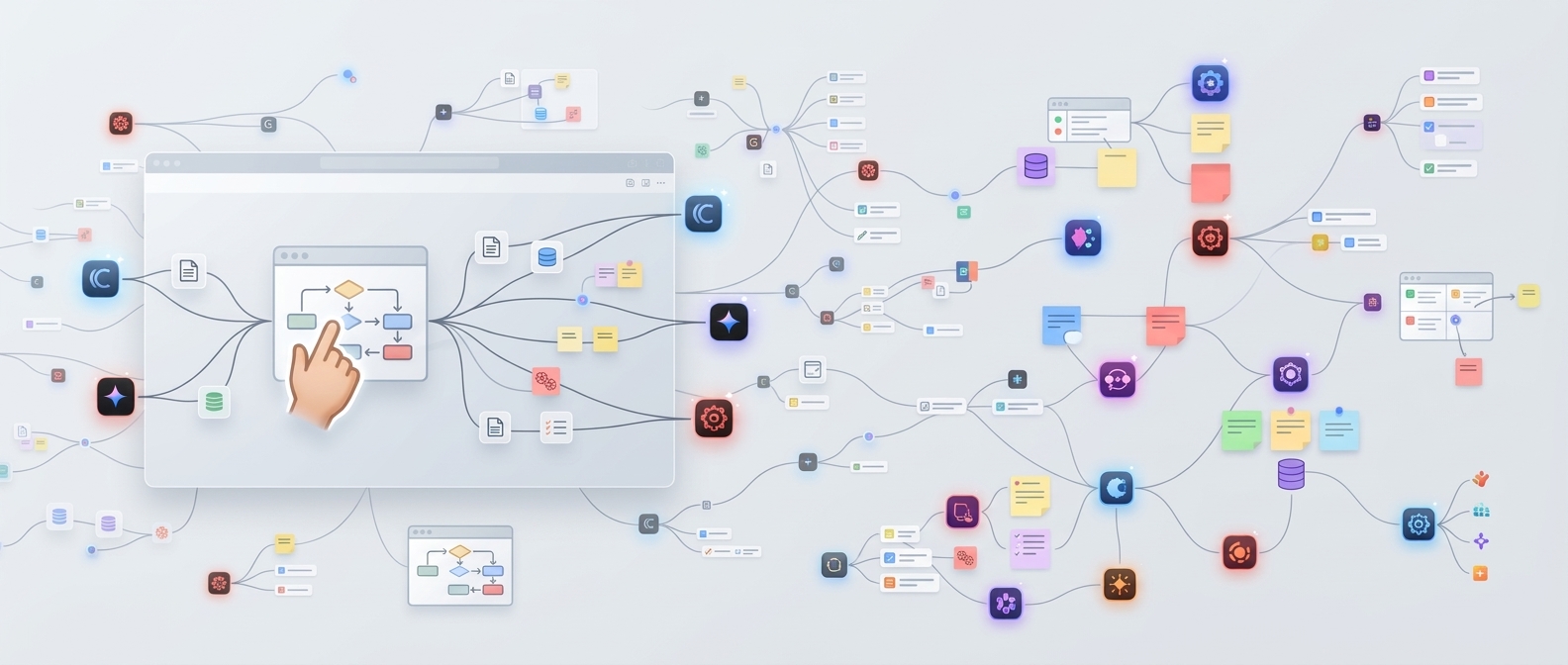
Hyper8 is a desktop workspace where you and your AI agents work on one shared canvas, and everything the agents produce stays organized, linked and reusable. It comes from the founders of Weje, it is free while in beta, and it is the product we now recommend to every Weje user.
If you used Weje for boards, sticky notes and mind maps, the core idea will feel familiar: one flexible canvas instead of a stack of separate apps. What changed is who works on that canvas. In Hyper8, AI agents such as Claude Code, Codex CLI or Gemini CLI sit next to you, read your material, write results back as blocks, and run recurring jobs on a schedule.
This review covers what Hyper8 does, how it works under the hood, where it fits, and what to watch out for while it is still in beta.
How Hyper8 works
Hyper8 is built from three parts: a space, the blocks inside it, and the agents that work on those blocks.
- A space is a file on your disk. You download the desktop app for macOS, Windows or Linux and create a space. It opens offline, keeps every version, and syncs to the cloud only where you tell it to.
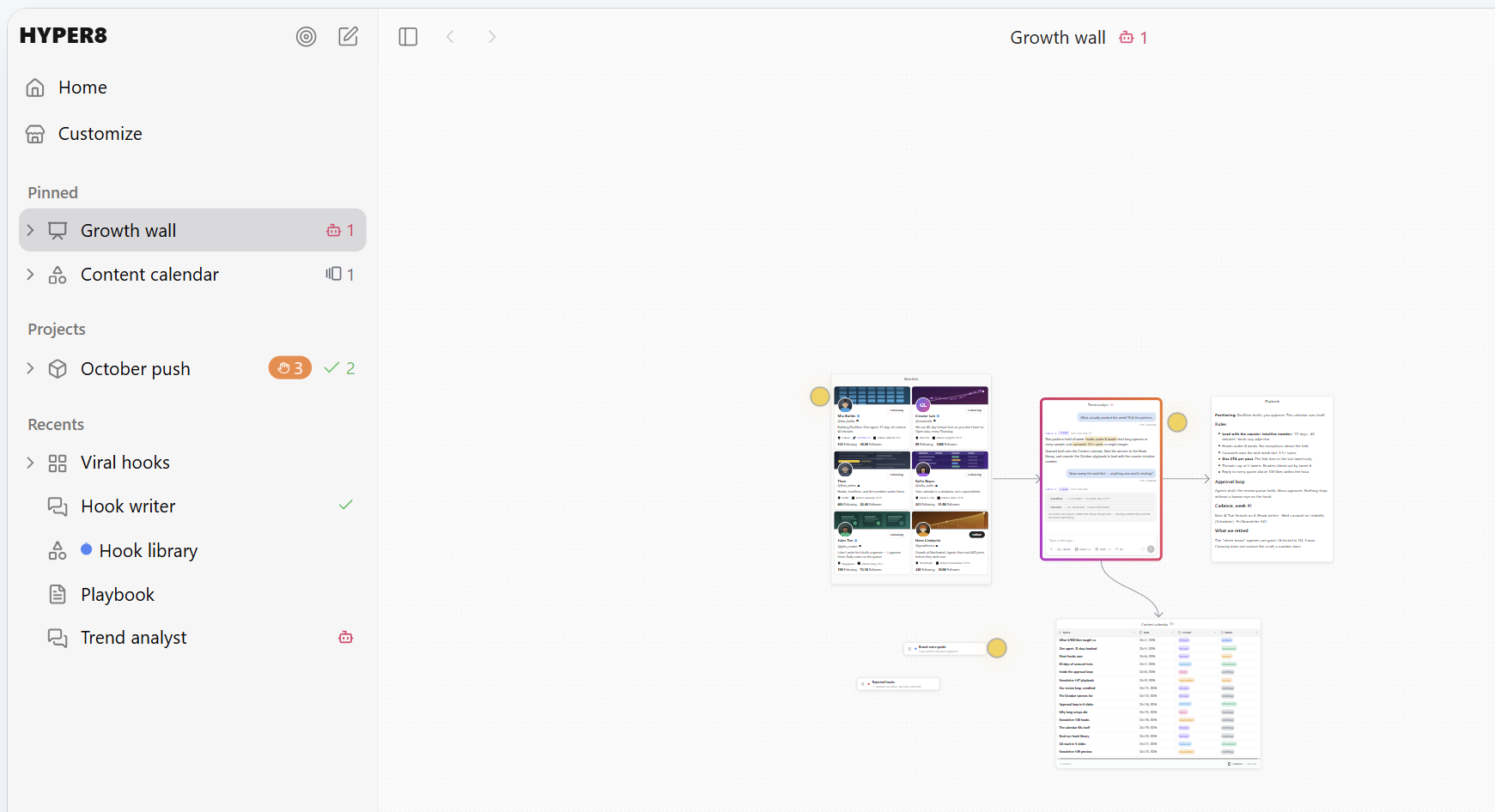
- Blocks organize the work. A space holds Collections, Boards, Pages, Databases, Tasks, Routines and more. Any block can sit inside any other, so the structure follows the task rather than a fixed folder tree. Collections hold sources, links, media and tweets as live typed cards, whether you gathered them or an agent did.
- Agents do the work on the canvas. Hyper8 does not ship its own model. It runs the CLI agents you already pay for: Claude Code, Codex CLI, Gemini CLI, OpenCode, Aider, Cline, Goose, Amp, Cursor CLI, Copilot CLI and Qwen Code. Install one, sign in once, and Hyper8 detects it. You can run several agents side by side on one canvas.
- Chat is just one block. You talk to an agent in a chat block, but the result lands as real objects on the canvas: rows in a database, a page, a chart, a card in a collection.
- Everything stays connected. Each chat links to everything it read and wrote, so you can trace any result back to the agent run and the sources behind it.
A concrete example from the Hyper8 site: to price a product, you add a Competitors database, open five agent chats (one per competitor), and ask each agent to read that competitor’s pricing page and reviews and file exactly one row with sources. Another agent charts the prices against yours, you write a “Where we win” page from the table, and a weekly routine rechecks the pricing pages and flags rows that changed.
Key features
The strongest idea in Hyper8 is that agent output becomes structured, linked work on a canvas instead of scrolling away in a chat log.
Bring your own agent
You plug in the coding and research agents you already use, so there is no second AI subscription to buy. Running several agents in parallel is the default, not an add-on. Anything driven by your own API keys works too.
Sideviews
Any object can open beside the main canvas. This is how you review what an agent did: the run on one side, the board it changed on the other.
Auto connections
Every chat links to the blocks it read and the blocks it wrote. Over time this builds a trail of agent activity, which matters when you need to check where a number or a claim came from.
Routines
Routines put recurring work on a loop. The Morning brief example runs a local agent every weekday at 07:45, reads overnight changes from tools such as Gmail, Linear, Google Calendar, GitHub, Slack, Stripe and PostHog (connected as MCP servers), refreshes a board, and writes a “Today” page with at most three items that need attention. It can also draft simple email replies and leave them unsent for you to review.
Nested blocks
Collections, Boards, Pages, Databases, Tasks and Routines nest in any arrangement. A board can hold a database, a page can hold a routine, and so on.
Local-first and fast
Spaces live on your machine, work offline and keep full version history. Content is indexed locally, so spaces with thousands of blocks stay responsive for search, filtering and zoom.
What you can use it for
Hyper8 publishes ready-made use cases in four groups, each with its own step-by-step page.
| Area | Use cases |
|---|---|
| Strategy & product | Market research, Business strategy, Project planning, Architecture planning, Vibe coding |
| Marketing | Campaign launch, Content factory, Content writing, Moodboard |
| Automation | Morning brief, Analytics digest, Inbox assistant, Support desk, Lead generation |
| Personal | Visual explainer, Travel planning, Shopping assistant |
For former Weje users, Moodboard, Project planning and Visual explainer are the closest to what you did on a Weje board. The difference is that an agent can now fill the board for you.
Pricing and platforms
Hyper8 is free while in beta, on macOS, Windows and Linux, from one release page.
- Free beta: the desktop app with local spaces, using your own agents and API keys.
- Optional subscription: adds ready-to-run agents and cloud spaces. Plans and prices are not published yet.
- Agent costs: the agents themselves run on your existing subscriptions (for example Claude Code or Codex), so usage is billed by those providers, not by Hyper8.
You can also try a live demo space with sample data right in the browser on hyper8.app before you download anything.
Published: November 25, 2026