
The quarterly campaign kicks off again. The person who ran it last time has moved to another project, so the team pieces the process together from old emails and a half-finished checklist. Three weeks in, the same approval delay that hit last quarter hits again. Nobody planned for it, because nobody wrote it down.
Recurring projects should get easier with every cycle. Without a written process, they often don’t. Each run starts close to zero, and the lessons from the last one stay in someone’s memory or in a retrospective doc nobody opens.
Structure makes a measurable difference. According to PMI’s 2026 Pulse of the Profession research on complex projects, projects that used a framework succeeded at a rate of 72%, compared with 61% for projects without one. PMI describes those frameworks as giving teams a shared language and a consistent approach. They are tools for handling complexity rather than written procedures, but the lesson carries over to recurring work. A consistent, written way of running a project beats rebuilding it from memory each time.
Below, we look at what to standardize and how to map the process before writing anything. Then we cover what the SOP should contain, and how to improve it after every cycle.
Why Recurring Projects Drift Without an SOP
Recurring projects carry a quiet assumption: whoever ran the last cycle will remember how it went. That assumption breaks easily.
The process lives in one person’s head. When that person is busy or has left the company, the knowledge goes with them. Getting what one person knows into a form the whole team can find is the core problem that knowledge management tools exist to solve, and an SOP is a simple place to start for a single project.
Every cycle starts from a blank page. Instead of improving last quarter’s version, the team rebuilds it. Rebuilding takes time that a recurring project should not need.
Lessons get discussed and then lost. A retrospective surfaces a real problem. Someone says, “Let’s fix that next time.” The next time arrives with no record of the fix.
Small variations compound. One cycle skips a review. The next uses a different template. By the fourth run, two people on the same team are running two different versions of the same project.
Choose What to Standardize and What to Leave Flexible
A common mistake is trying to turn the entire project into a procedure. That produces a long document nobody follows, and it strips out the judgment that good project work depends on.
Instead, split the project into two kinds of work.
Repeatable steps belong in the SOP. These tend to be the mechanics of the project:
• Intake and scoping of new requests
• Kickoff and resource booking
• Status reporting cadence and format
• Approvals, and who gives them
• Handoffs between teams
• Closeout and archiving
Variable work stays flexible. Strategy changes from cycle to cycle. So do creative direction and scope decisions. Writing rigid steps for these areas slows the team down without making the output better.
If you are not sure where to start, look at what went wrong last time. The steps behind past delays and missed approvals are usually the ones most worth standardizing first.
Not every recurring project needs a full SOP, either. A small monthly task might only need a short checklist. Save the full document for projects that involve several people and at least one handoff.
Map the Process Before You Write It
Many SOPs are written by one person at a desk, from memory. That is exactly how gaps get built into the document.
A better starting point is a mapping session with the people who actually do the work. Put the project on a shared online whiteboard, with one sticky note per step, in the order things really happen. Not the order they are supposed to happen. The order they actually happened last cycle.
Then mark two things on the board. Who owns each step. And where work passes from one person or team to another.
Patterns show up quickly once everything is visible:
• Steps with two owners, where each person assumes the other has it covered.
• Steps with no owner, which are a likely source of past delays.
• Waiting points, where the project sits idle until someone approves or responds.
Fix these on the board first. A gap is far easier to solve on a sticky note than after it has been written into a document and followed for three cycles.
What a Recurring Project SOP Should Contain
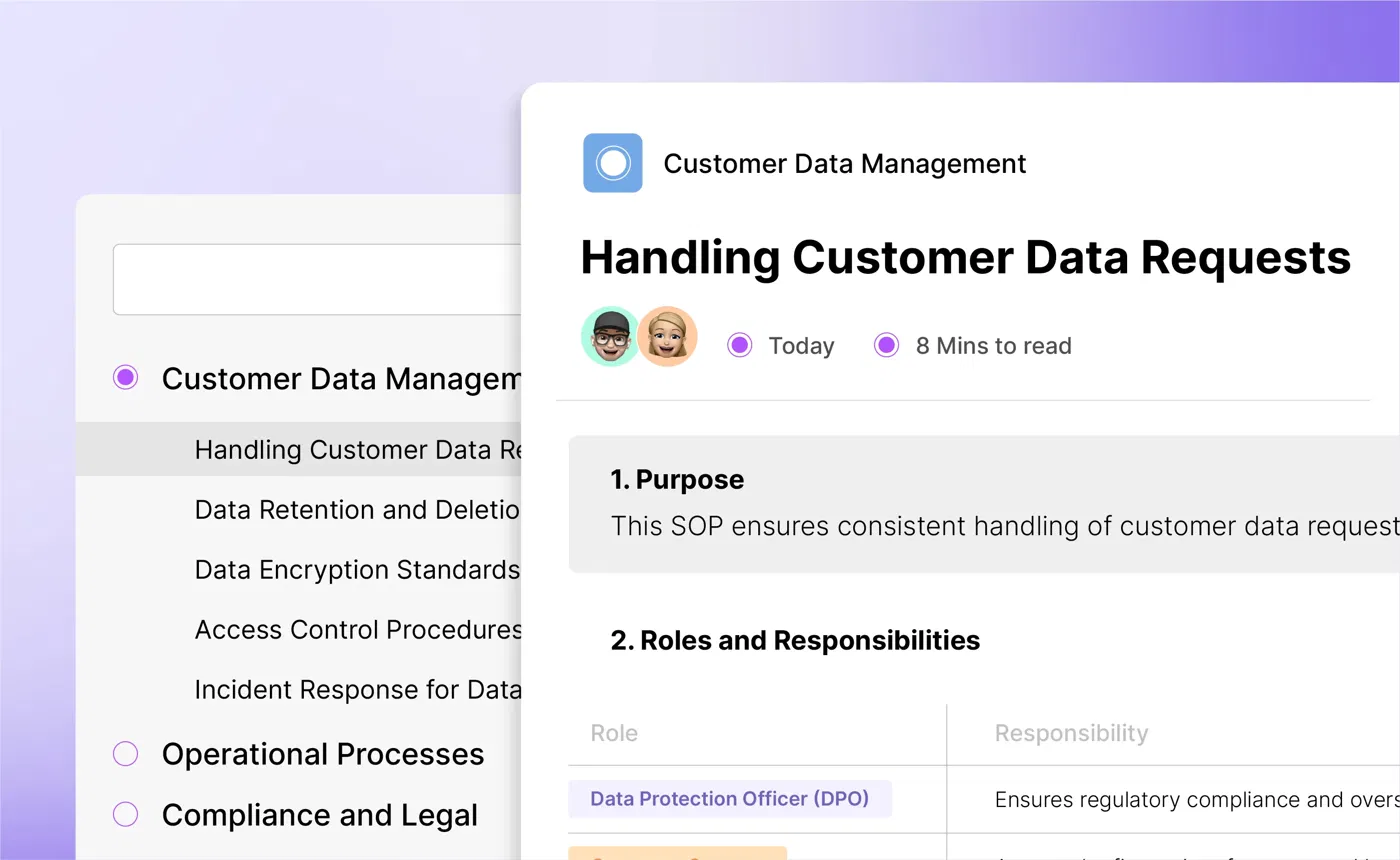
Once the process is mapped, writing the SOP is mostly a matter of recording what the board already shows. AI tools for technical writing can help turn notes from the board into a rough first draft. The person who ran the last cycle should still review every step, because a draft is only as accurate as the notes behind it.
A useful recurring project SOP covers five areas.
The Trigger and Lead Time
Start with when the cycle begins and how far ahead preparation starts. A line like “the Q3 campaign kicks off six weeks before launch, and creative briefs are due in week one” prevents a rushed cycle before it starts.
Roles and Handoffs
Name an owner for each stage by role rather than by person, so the SOP survives team changes. Note who approves what and how a handoff is confirmed. Work should never sit in limbo between two teams because nobody knew it had been passed along.
The Run Sequence With Checkpoints
List the stages in the order they happen, with a short review point between them. Checkpoints catch problems while they are still small. Without them, issues tend to surface at the end, when they are hardest to fix.
Reusable Templates and Assets
Link the brief template and the status report format directly from the SOP, along with any checklists the team uses. When the assets sit next to the procedure, nobody has to hunt through the last cycle’s folder to find them.
A Definition of Done
Spell out what “finished” means for each cycle. Without it, closeout becomes a judgment call, and loose ends roll into the next run. A short list of closeout conditions, such as the final report sent and the assets archived, keeps every cycle ending the same way.
A Short Example
Here is how those five areas might look for a monthly client performance report:
• Trigger and lead time: The cycle starts on the first working day of the month. The data pull is finished by day three.
• Roles and handoffs: The analyst owns the data. The account manager owns the written summary and sends the report. The analyst confirms the handoff in the project channel.
• Run sequence: Pull the data. Draft the report. Review it internally before it goes to the client.
• Templates: The report template and the chart style guide are linked at the top of the SOP.
• Definition of done: The client has the report, and the source data is archived in the shared drive.
For many monthly reports, that is the whole SOP. It fits on a single page, and the report goes out the same way no matter who is on leave that month.
Make Every Cycle Improve the Next One
This is what separates an SOP for recurring projects from a process document written once and forgotten. The SOP should get a little better every time the project runs.
End each cycle with a short review. Thirty minutes is often enough. Ask one question: what should the next team do differently? Turn each answer into a specific edit to the SOP before the review ends. Edits planned for later are easy to forget. If the last cycle stalled because legal review took a week, the edit might simply read: “Send the draft to legal by day ten, not day twenty.”
Add a version number and a date to each update, with a one line note on what changed. The next project manager can then see exactly what is new since the last run.
Keep one owner for changes. Anyone can suggest an edit, but one person approves it. Without that rule, the SOP slowly splits into personal copies, and the team is back to running different versions of the same project.
A revision history matters too. If a change makes the next cycle worse, the team can see what was edited and roll it back.
Where Recurring Project SOPs Should Live
An SOP saved inside last cycle’s project folder has a predictable fate. When the next cycle starts, nobody remembers which folder it was in.
Keep the procedure somewhere searchable and separate from any single project. Then link to it from the project board or template the team already opens at kickoff.
Dedicated SOP software is built for exactly this kind of document. Teams that run several recurring projects can keep all of their SOPs in one place, organized by project type.
This video on creating SOPs and knowledge bases is a useful reference if you are setting that up for the first time- https://www.youtube.com/watch?v=yv9k33pi3I8
One more thing to consider: a team member may ask an AI tool how a process works before opening the document itself. For any procedures your team publishes on the web, Agent Score is a free check that rates a documentation site from 0 to 100, with a letter grade, based on 23 checks from the open Agent-Friendly Docs specification (AFDocs). It shows whether AI tools can reach and read the content, including whether pages sit behind a login. SOPs that stay private won’t need it, but it is a quick check for anything published.
Start Before the Next Cycle
A recurring project should get easier every time it runs. Without an SOP, it rarely does.
Standardize the repeatable mechanics and leave strategy flexible. Map the process with the people who do the work before writing anything down. Then treat the SOP as a living document, improved by a short review at the end of every cycle.
Before your next cycle starts, pick the one step that caused trouble last time and write down how it should be done. That single page is where a working SOP begins.
<Published: October 20, 2026