 42min: the most customizable online meetings scheduler. Free for Weje users, No any limits.
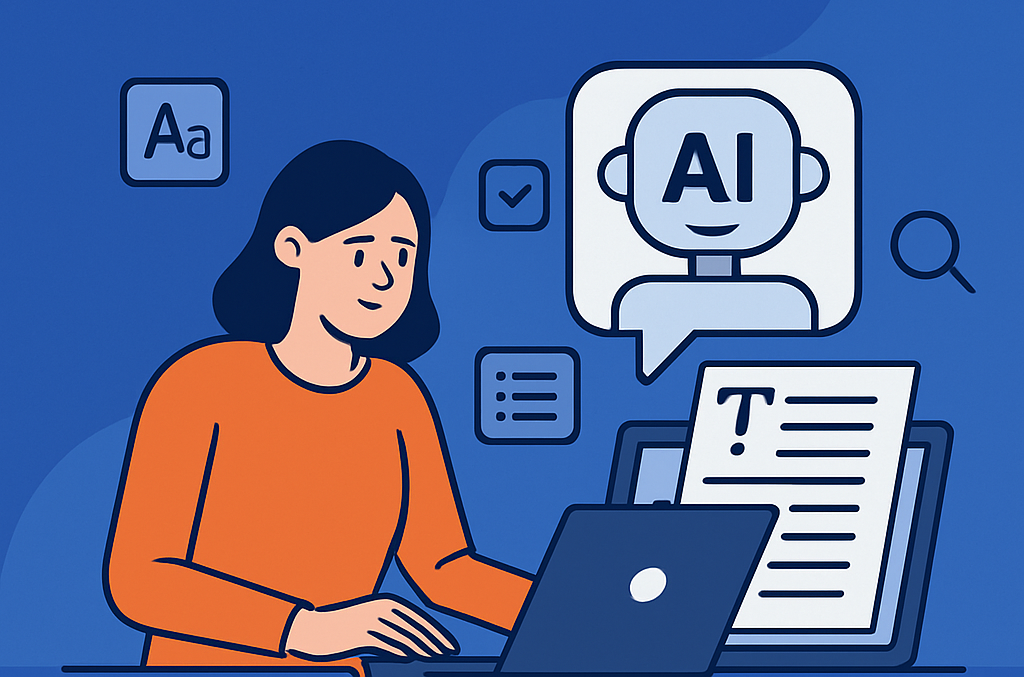
Most creators start the same way: they collect a folder of references — a mood board screenshot, a product photo, a character sketch, a color palette — and then try to describe all of it in a single text prompt. The result is often a clip that captures maybe one element of the vision while completely ignoring the rest.
Prompting alone often creates fragments, not a coherent sequence.
The problem isn’t that you’re prompting badly. The problem is that text-to-video generation was never designed to hold multiple visual commitments simultaneously. For that, you need a different kind of input.
Why Pollo AI Makes Reference to Video More Practical
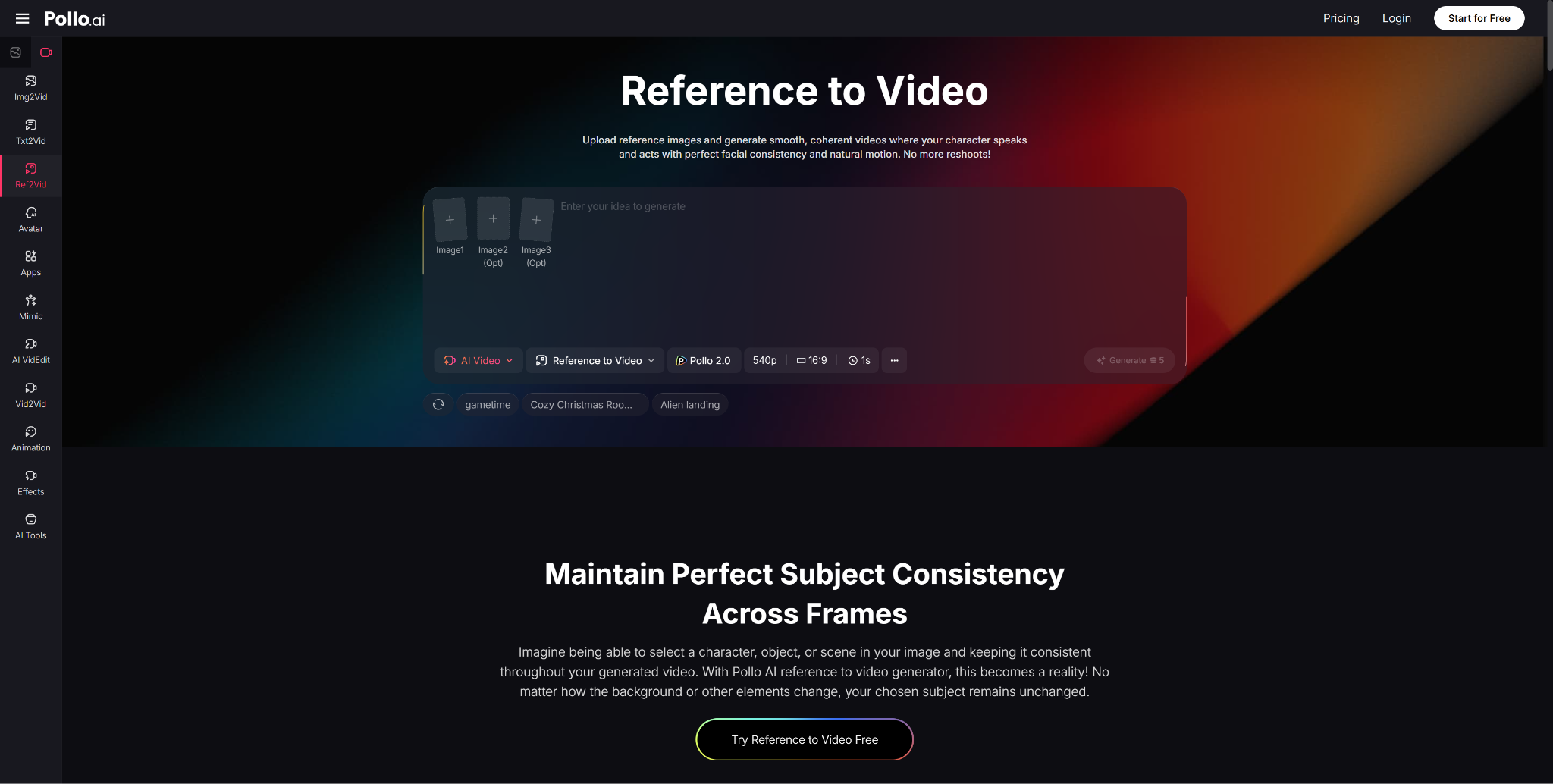
Inside Pollo AI, the Reference to Video feature solves this by replacing the “describe it and hope” approach with a structured asset-to-video pipeline. You upload your reference images — up to three — and define what must remain stable. The platform then uses those images as visual anchors, generating video that remixes your images into a single cohesive video rather than reinventing your vision from scratch each time.
The difference in output quality and consistency is substantial. Instead of visual fragments, you get clips that share the same lighting logic, the same character identity, and the same environmental vocabulary.
Collect Images with One Mood, Not Random Inspiration
Before you upload anything, ask: do these three images share a common light, a common character, and a consistent visual atmosphere? A moody street photo, a bright product shot, and a sketch from a different project will confuse the model. Choose images that collectively define one unified visual intent. Think of your three references as a triangle that frames the world, not a scatter of unrelated ideas.
Define What Must Stay Stable
Not everything needs to be locked. In fact, the more constraints you add, the less creative range the generation has. The smart move is to identify the one or two elements that are non-negotiable — the face of your protagonist, the shape of your product, the architectural style of a recurring location — and make those the anchors. Everything else can evolve.
Use Generation for Transitions Between Ideas
Think of the generation step as a bridge-builder. Your references define the islands — the beginning scene and the ending scene — and the AI builds the path between them. When you approach generation with this mindset, you’ll write shorter, cleaner prompts focused on movement and transition, rather than trying to re-describe your entire visual world in a text box.
What Fast-Preset Tools Get Right — and Where They Stop
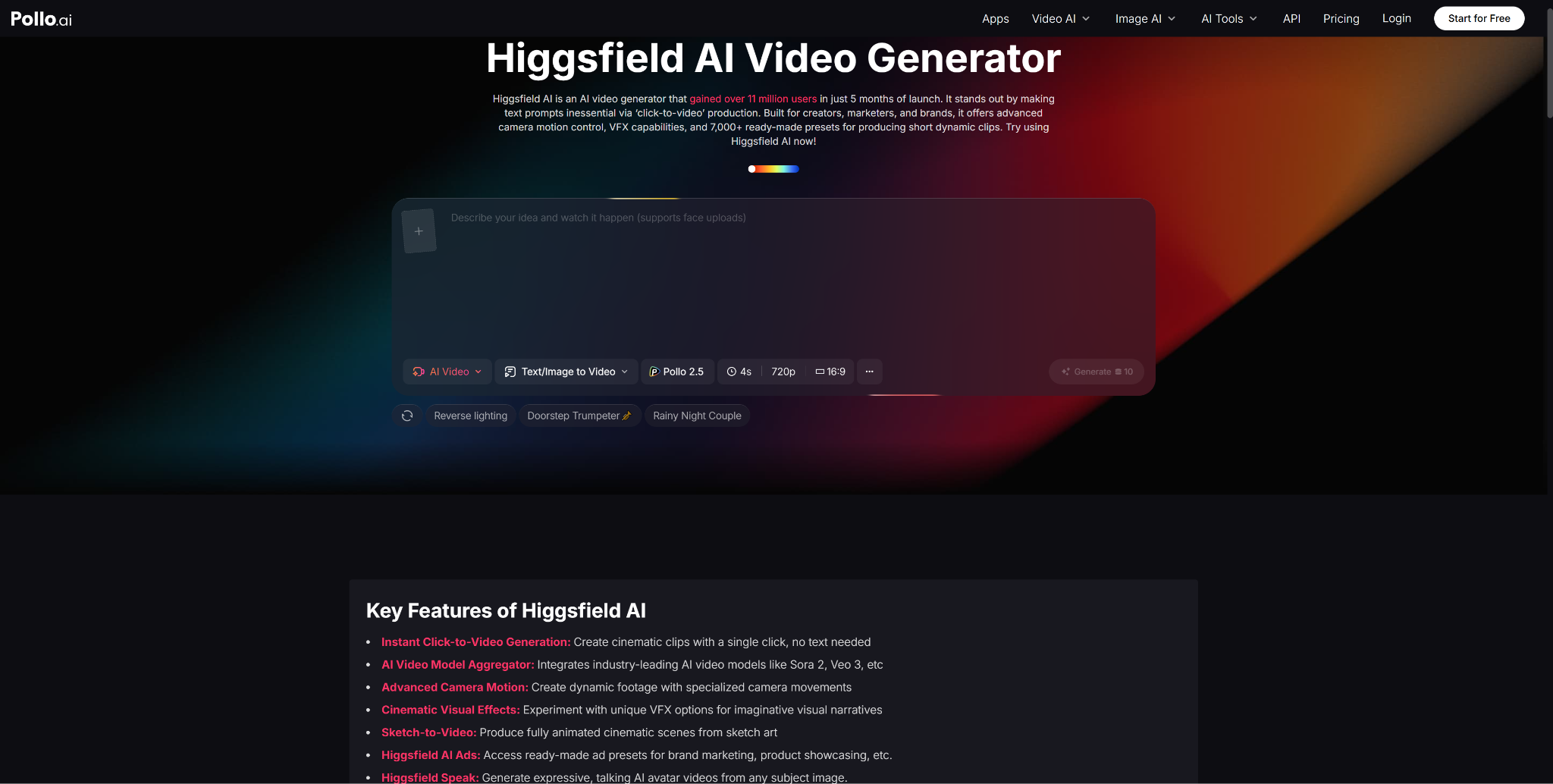
Users who prioritize visual impact and speed often explore Higgsfield AI — a platform that reached 11 million users in its first five months, offering click-to-video creation, over 7,000 presets, advanced camera motion effects, VFX overlays, and a maximum clip length of about 5 seconds. For social content where impact-per-second matters more than narrative continuity, those strengths are real.
But preset-driven generation has a structural limitation: it optimizes for the shot, not the sequence. When you’re building a world that must hold together across multiple clips — same character, same rules, same visual identity — presets can produce stunning individual moments that feel unrelated when placed side by side. That’s where Pollo AI’s reference-driven approach has an edge. It’s designed for sequences, not just singles.
Who Should Use This Approach
- Short-film creators who need consistent characters across multi-clip narratives
- Visual marketing teams building campaign assets that share a brand identity
- Brand content teams developing ongoing series with a fixed look and feel
- Creative agencies needing to validate a visual direction without inconsistent output rapidly
Final Take
The most useful way to think about this feature is not as a shortcut, but as a system. It shifts video generation from a lottery — where you roll the dice and hope for visual coherence — to a structured process where you define the rules and the model stays within them.
Pollo AI has made that system accessible to creators who don’t have a production team, a motion designer, or an unlimited budget. What it asks for in return is three good images and a clear idea of what must not change.
That’s a fair trade for a video that finally looks like it was made on purpose.
Published: May 12, 2026