How to Develop a Team Collaboration SaaS Like Notion or Trello
Notion is worth billions. Trello sold to Atlassian for $425 million. Most of today’s big collaboration tools started small, built by a team tired of spreadsheets and lost Slack threads. The ones that win are the ones people actually want to open every day.
The tricky part is real-time sync: ten people editing the same page or board without stepping on each other. That’s a hard engineering problem, and it’s usually where a first attempt falls apart. This guide covers how these apps work, must-have features, cost and timeline, a step-by-step build process, the right tech stack, and five companies with real SaaS experience.
How Does a Collaboration SaaS Like Notion or Trello Work?
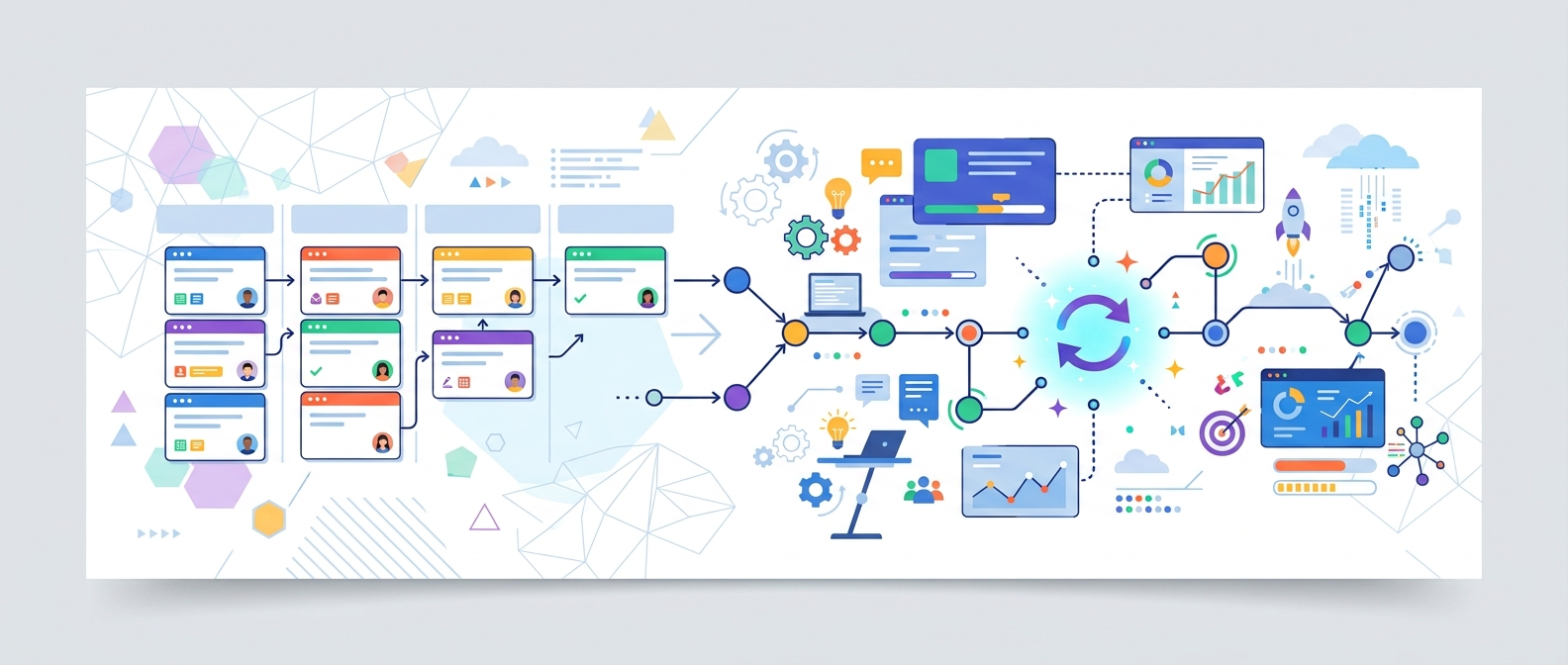
Strip away the polish and a tool like Notion or Trello is standard SaaS architecture wrapped around one hard problem: keeping everyone’s screen in sync in real time.
Every user belongs to a workspace, and everything they create lives inside it, your multi-tenant layer: one codebase and database serving thousands of separate teams. Content is stored as flexible chunks rather than rigid records, Notion’s blocks, Trello’s boards and cards, each one an object that can be moved, nested, or rearranged freely.
Real-time sync is what makes it feel alive. WebSocket connections push changes to every open screen almost instantly, paired with operational transformation or CRDTs to merge simultaneous edits without corrupting anything. On top sits permissions, notifications, comments, and a billing layer for the subscription model, stitched together through an API, which is also how these tools plug into Slack, Google Drive, and the rest of a team’s stack.
Must-Have Features for a Team Collaboration SaaS
Some of these make the product usable day one. Others are what keep teams paying for it a year later.
Workspaces and team management. Each team gets its own space to organize projects, invite members, and manage settings.
Flexible boards, docs, or pages. The core content layer: Kanban boards, nested pages, or a mix. The more flexible it is, the more use cases it covers.
Task and project management. Boards, lists, calendars, or timelines, with due dates, assignees, labels, and status tracking.
Real-time collaboration. Multiple people editing the same board or doc at once, seeing changes live, without conflicts or lost work.
Comments and mentions. Discussion inside the tool, not a separate Slack thread. @mentions that trigger notifications are table stakes.
Notifications. In-app, email, and push for assignments, mentions, and deadlines, configurable so people don’t just mute the app.
Permissions and access control. Role-based access down to the item level, with SSO for larger customers.
Search. Fast, and covering content and attachments, not just titles.
Integrations and an API. Slack, Google Workspace, Zapier, GitHub, plus webhooks for anyone building on top of your platform.
File attachments and storage. Reliable cloud storage and fast previews for anything dropped into a card or page.
Templates. Pre-built boards or page structures for common use cases lower the barrier for new users.
Mobile apps and offline access. People check boards from their phones constantly, and partial offline support matters more than expected.
Admin dashboard and usage analytics. Visibility into who’s active and how the workspace is used, for admins and for your own product decisions.
How Much Does It Cost to Develop a Team Collaboration SaaS?
For context, IT Craft, one of the best companies for team collaboration SaaS development, puts the total range for SaaS application development at $40,000 to $250,000 or more depending on complexity, and notes that an average-complexity SaaS app typically takes a team of five to eight people to build.
Basic app (MVP) Roughly $40,000 to $80,000: one workspace type, basic boards or task lists, accounts, and simple sharing.
Mid-range app Roughly $80,000 to $120,000: real-time multi-user sync, comments and notifications, integrations like Slack or Google Drive, and an admin panel.
Advanced or enterprise platform $120,000 to $180,000, and $180,000+ for enterprise: multiple view types, granular permissions and SSO, a public API, and infrastructure for thousands of concurrent real-time users.
A few costs worth budgeting separately:
- Real-time infrastructure: WebSocket servers, a message broker like Redis, and conflict resolution add cost beyond a standard CRUD app.
- Each third-party integration: $3,000 to $15,000 depending on the other tool’s API.
- Security and compliance work: SSO, audit logs, and SOC 2 readiness run $10,000 to $25,000 extra.
- Annual maintenance: typically 15 to 25% of the build cost every year.
Team location moves the total more than anything else: a US team versus an Eastern European team can differ by two to three times for the same feature set.
How Long Does It Take to Build a SaaS Like Notion or Trello?
Timeline tracks scope closely. A basic prototype takes 1 to 2 months. Average complexity, real-time sync, a few integrations, runs 3 to 5 months. A full-fledged product takes 6 months or more, and enterprise can stretch past 10.
Roughly:
- Discovery and planning: 2 to 6 weeks.
- UX/UI design: 3 to 6 weeks, longer with multiple view types.
- Development: 2 to 9+ months, the longest stretch, where the sync engine eats most of the time.
- QA and testing: 2 to 4 weeks, including concurrent edits and sync conflicts.
- Deployment: as little as 15 minutes to a day with the right CI/CD pipeline.
Treating real-time sync as a feature to add later is the most common mistake. It’s a foundational architecture decision, and retrofitting it usually means rebuilding a big chunk of the backend.
Step-by-Step Guide to Developing a Team Collaboration SaaS
Step 1 – Define Your Niche and Core Workflow
Notion, Trello, and Asana all solve "help teams organize work," just differently. Pick which workflow your product centers on before you write anything down.
Step 2 – Scope Your MVP Features
Pick the smallest set of features that lets a real team run their work through your app. Save integrations and advanced permissions for later.
Step 3 – Choose Your Architecture and Tech Stack
Decide how real-time sync will work, your data model, and confirm you’re building multi-tenant from day one.
Step 4 – Design the UX/UI and Build a Prototype
Turn the workflow into wireframes, then a clickable prototype, and test it with real teams before writing production code.
Step 5 – Develop the App
Backend, frontend, and the sync layer, usually built in parallel. This is the longest phase, worth having someone senior own the sync logic.
Step 6 – Test Thoroughly, Including Concurrent Use
Deliberately test what happens when multiple people edit the same board at once, or a connection drops mid-edit.
Step 7 – Launch and Iterate Based on Real Usage
Ship to a small group first. Watch what people use and get stuck on, and budget 15 to 25% of build cost a year for maintenance.
Recommended Tech Stack for a Team Collaboration SaaS
Backend: Node.js, Python, or Go. Node.js is common since its event-driven model fits real-time workloads.
Real-time sync: WebSocket connections (Socket.IO, Pusher, or Ably) paired with a CRDT library like Yjs or operational transformation for merging edits.
Frontend: React or Vue.js, both suited to frequent, granular UI updates.
Mobile: React Native or Flutter to cover iOS and Android from one codebase.
Database: PostgreSQL or MongoDB, with Redis for caching and as the real-time message broker.
Search: Elasticsearch or Algolia once content volume outgrows a basic database query.
File storage: AWS S3 or Google Cloud Storage, with a CDN for fast previews.
Infrastructure: AWS, Azure, or Google Cloud, with Docker and Kubernetes for scaling.
Auth and billing: OAuth plus Auth0 or Okta for login and SSO, and Stripe for subscription billing.
Best Companies for Collaboration SaaS Development
The top software development companies specializing in team collaboration SaaS development include IT Craft, mTouch Labs, Ronas IT, TrueLogics, and Codevia. Here is a comparison of them:
1. IT Craft
IT Craft is a full-cycle custom software development company with more than 20 years in business, building SaaS platforms and productivity tools. It’s backed by a large pool of specialists and deep expertise across web, mobile, and cross-platform development, and has shipped web-based platforms handling real-time data, multi-tenant architecture, and complex permissions, the same building blocks a team collaboration app depends on. IT Craft works across fixed-price, staff augmentation, and dedicated team models so a product can scale as it grows.
Best for: teams that want one partner to cover everything from real-time architecture and MVP development to the infrastructure work needed to scale a SaaS product reliably.
Strengths: real-time sync and WebSocket architecture, multi-tenant SaaS infrastructure, flexible content and task data models, role-based permissions and SSO, third-party integrations with tools like Slack and Google Workspace, scalable cloud infrastructure with Kubernetes and CI/CD, subscription billing integration.
2. mTouch Labs
mTouch Labs is a software development company founded in 2011, based in Hyderabad, India, with additional offices in Bengaluru and Dover, Delaware. It’s ISO 9001 and ISO 27001 certified, and has delivered more than 1,500 projects across healthcare, government, retail, and logistics, with SaaS product development as one of its core service lines.
Best for: teams wanting a certified, full-lifecycle partner with a long track record across enterprise and government clients.
Strengths: ISO 9001 and ISO 27001 certified delivery process, full product lifecycle coverage from discovery through post-launch support, over 1,500 projects delivered across a wide range of industries.
3. Ronas IT
Ronas IT is an Estonia-based software company founded in 2007, with a team of 60+ across two offices and more than 300 projects delivered. The company holds compliance certifications spanning SOC 2, ISO 27001, GDPR, and HIPAA, and builds on a stack that includes React, React Native, and PostgreSQL.
Best for: teams wanting a compliance-certified European partner with nearly two decades of web and mobile development experience.
Strengths: compliance certifications across SOC 2, ISO 27001, and GDPR, close to two decades of web and mobile app development experience, strong client satisfaction with a 4.8 average rating across hundreds of reviews.
4. TrueLogics
TrueLogics is a software development company founded by Muhammad Sarmad after 8+ years building scalable platforms, with a small, senior-only team and more than 30 products shipped. The company specifically lists real-time collaboration tools, chat, video, and whiteboards, among its areas of focus, alongside broader SaaS and real-time systems work.
Best for: startups wanting a small, senior team with direct, named experience building real-time collaboration features.
Strengths: direct experience building real-time collaboration tools including chat, video, and whiteboards, senior-only hands-on engineering team, clean-architecture approach aimed at scalable foundations over quick demos.
5. Codevia
Codevia is a software development company that builds custom web and mobile apps, including CRM, ERP, and MVP builds, with a no-code track using Bubble.io for faster delivery. It also offers IT staffing and team augmentation for companies that need to scale a build beyond the initial MVP.
Best for: early-stage startups wanting a fast, budget-conscious MVP, with a no-code option on the table if speed matters more than a custom build.
Strengths: fast MVP delivery with a no-code option built on Bubble.io, cost savings compared to traditional custom development, IT staffing and team augmentation available for scaling past MVP.
Published: September 14, 2026