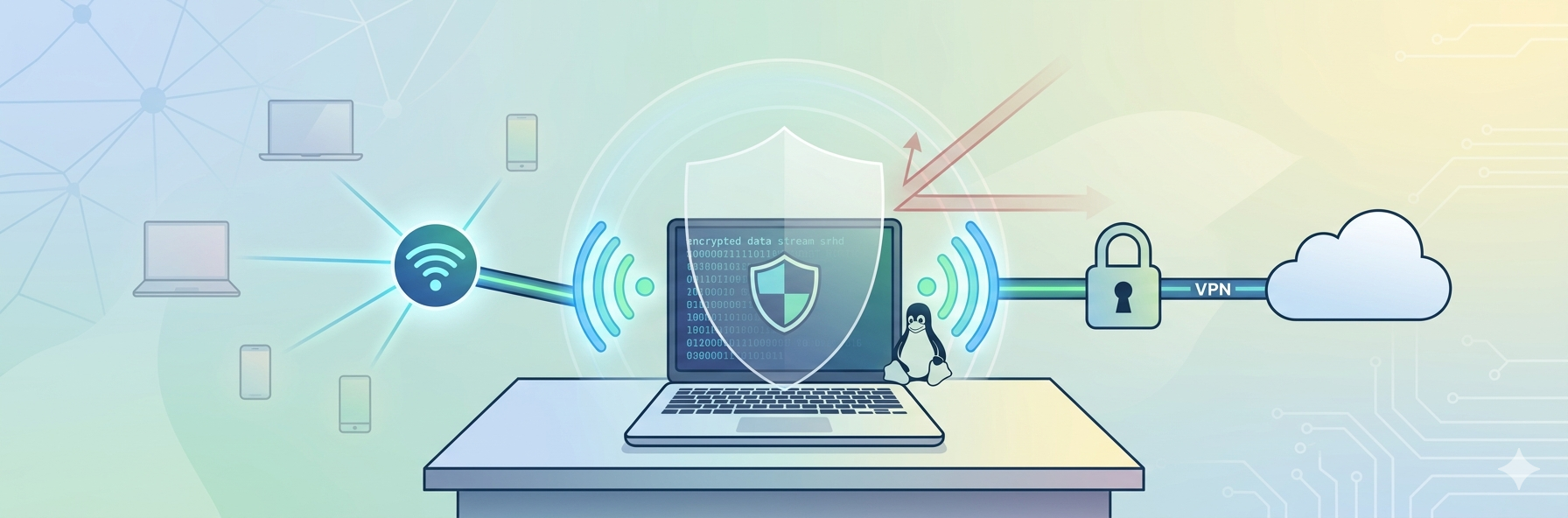
Keeping your business safe online is more important than ever. One simple way to improve security is by using a DNS filtering tool. It blocks access to harmful websites before they can load, helping protect users from malware, phishing scams, and other online threats.
Many DNS filtering tools also let you control which websites employees can access, making them useful for both security and productivity. To help you find the right one, we’ve compared three of the top DNS filtering tools available today: Control D, Cisco Umbrella, and Cloudflare Gateway.
Why Use a DNS Filtering Tool?
- Stay protected online: DNS filtering blocks harmful websites before users can visit them, helping protect against malware, phishing, and other online threats.
- Manage internet access easily: Create rules from one dashboard instead of setting up each device individually.
- Reduce distractions: Block websites like social media, gambling, or other non-work-related content to help employees stay focused.
- Protect all your devices: Most DNS filtering tools work across Windows, macOS, Linux, iOS, Android, and entire networks, so users stay protected wherever they are.
Comparison at a Glance
Tool | Best For | Standout Feature |
|---|---|---|
Control D | Businesses, MSPs, schools, and IT teams | Flexible filtering, easy deployment, and advanced features are included in every plan |
Cisco Umbrella | Large enterprises | Tight integration with Cisco’s broader security ecosystem |
Cloudflare Gateway | Businesses using Cloudflare Zero Trust | Identity-based policies and seamless integration with Cloudflare services |
Control D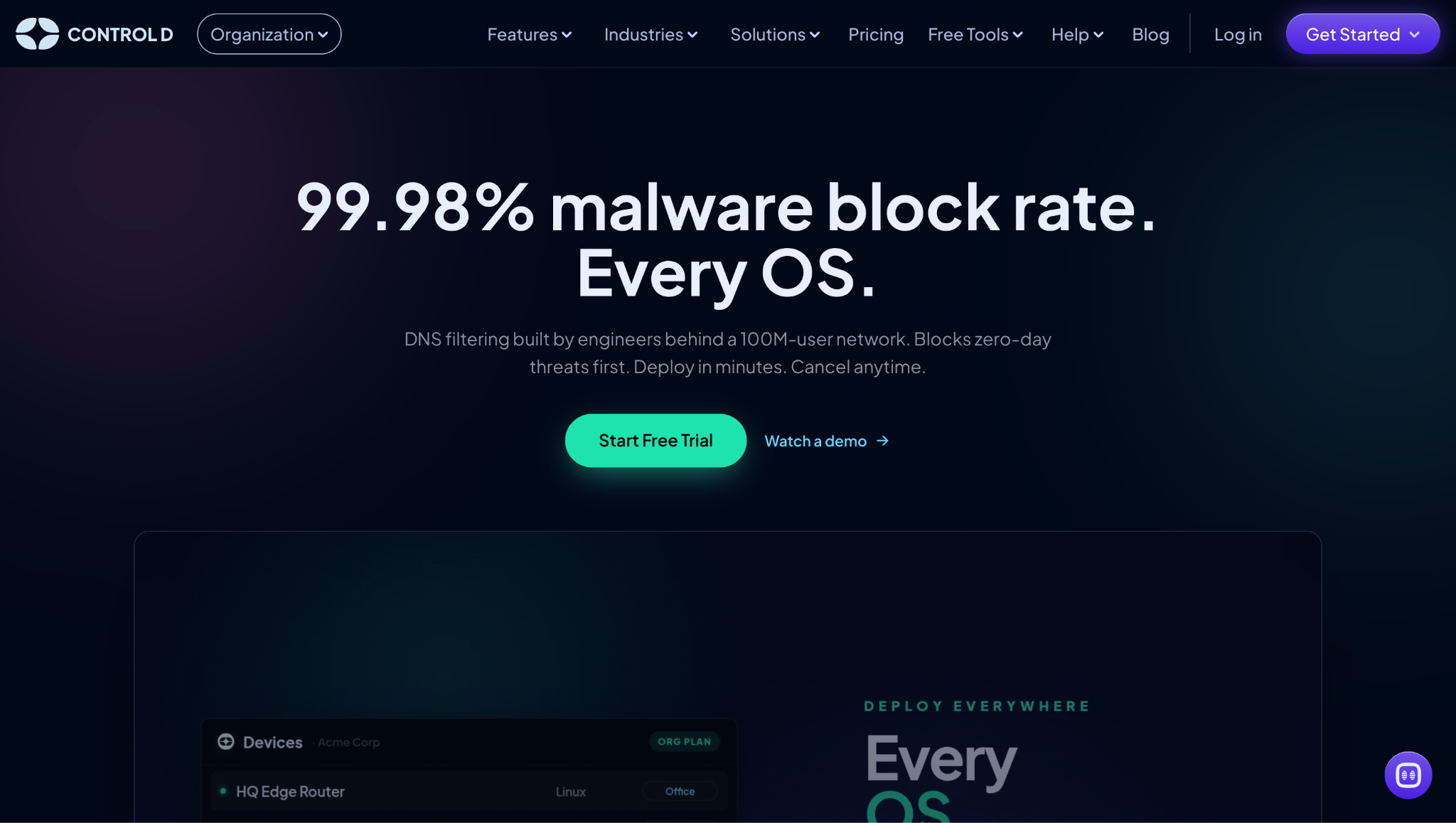
If you want a DNSFilter alternative that’s easy to deploy without sacrificing advanced features, Control D is the best option available. It combines strong malware protection with flexible filtering and works across virtually every major operating system.
Key Features
- Excellent malware protection: Control D achieved a 99.98% malware block rate in Nexxwave’s 2025 public resolver testing, helping stop malicious domains before users can access them.
- Works on every major operating system: Native apps are available for Windows, macOS, Linux, iOS, and Android, and you can also deploy protection at the network level.
- Granular filtering options: Block malware, phishing sites, content categories, websites, apps, and over 1,000 online services using customizable policies.
- Fast deployment: Most businesses can go from sign-up to active protection within minutes, and policies can be managed from one central dashboard.
- Detailed reporting: Every plan includes 30 days of query logs, API access, SIEM streaming, and up to a year of analytics for better visibility into network activity.
- Modern DNS protocols: Supports DNS-over-HTTPS (DoH), DNS-over-TLS (DoT), DNS-over-QUIC (DoQ), and traditional DNS.
Pros
- Easy to deploy and manage
- Excellent malware protection
- Supports all major operating systems
- Granular filtering for apps, services, and websites
- Analytics, API access, and SIEM streaming are included on every plan
Cons
- Advanced customization may take a little time to learn
Cisco Umbrella
Cisco Umbrella is one of the most established DNS security platforms on the market. It’s especially popular with organizations that already use Cisco’s networking and security products.
Rather than focusing only on DNS filtering, Umbrella is part of Cisco’s broader cloud security platform. That makes it a strong option for businesses looking for more than web filtering, although it also makes the platform more complex than some competitors.
Key Features
- DNS-layer protection: Cisco Umbrella blocks requests to known malicious domains before connections are made, helping protect users from phishing, malware, and ransomware.
- Works across multiple devices: Umbrella protects desktops, laptops, and mobile devices using Cisco Secure Client and network-based deployments.
- Flexible security policies: Create different filtering rules for users, groups, locations, and networks to match your organization’s needs.
- Integrates with Cisco’s security ecosystem: Umbrella works alongside other Cisco security products, making it a good fit for businesses already invested in Cisco technologies.
- Enterprise-focused features: Depending on the subscription, businesses can also access secure web gateway capabilities, cloud-delivered firewall services, and additional Zero Trust features.
Pros
- Strong malware and phishing protection
- Great integration with Cisco security products
- Suitable for large enterprise environments
- Flexible policy management
Cons
- Pricing isn’t publicly available
- Multiple plans can be confusing to compare
- Best suited for organizations already using Cisco products
Cloudflare Gateway
If your business already uses Cloudflare’s services, Cloudflare Gateway is a natural choice. It’s part of Cloudflare Zero Trust, combining DNS filtering with web filtering and identity-based security to help protect users wherever they’re working.
While it’s a powerful platform, it’s designed to be part of Cloudflare’s broader security ecosystem. If you’re only looking for DNS filtering, you may end up paying for features you don’t necessarily need.
Key Features
- Blocks malicious websites: Cloudflare Gateway helps protect users from malware, phishing sites, and other dangerous domains before a connection is made.
- Identity-based policies: Instead of applying the same rules to everyone, administrators can create different policies for individual users or groups.
- Works for remote teams: Whether employees are in the office, at home, or traveling, Gateway applies the same filtering policies across devices.
- Part of Cloudflare Zero Trust: Gateway integrates with other Cloudflare security tools, making it a good option for organizations building a complete Zero Trust environment.
- Built on Cloudflare’s global network: Since it runs on Cloudflare’s worldwide infrastructure, users generally benefit from fast and reliable DNS resolution.
Pros
- Strong malware and phishing protection
- Easy to create user- and group-based policies
- Excellent performance through Cloudflare’s global network
- Integrates with other Cloudflare Zero Trust services
Cons
- Many advanced features require higher-tier plans
- Best suited for businesses already using Cloudflare services
- Can be more than you need if you’re only looking for DNS filtering
Conclusion
The right DNS filtering tool comes down to your business needs. If you want a simple, feature-rich solution that’s easy to deploy and works across virtually every device, Control D is a great all-around choice with plenty of flexibility.
Cisco Umbrella is better suited for larger organizations already using Cisco’s security ecosystem, while Cloudflare Gateway is a strong fit for businesses invested in Cloudflare Zero Trust.
No matter which tool you choose, adding DNS filtering is an easy way to improve security, reduce risk, and gain more control over your network.
Published: July 17, 2026