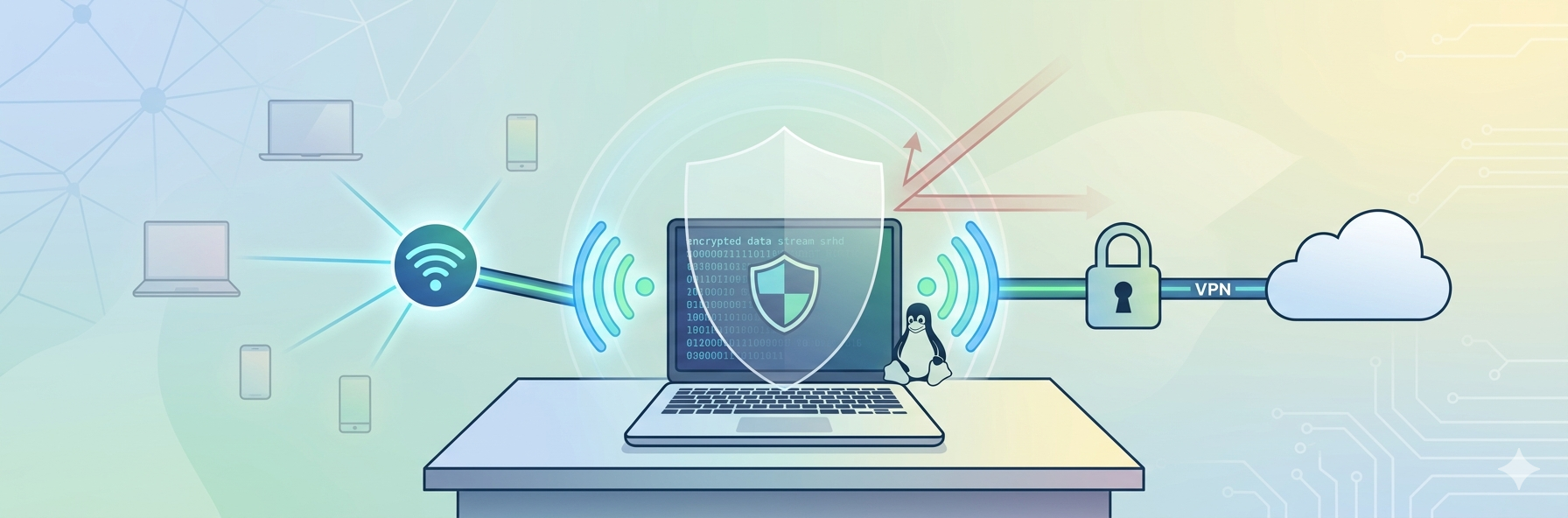
Linux is conversant with security, flexibility, and control. It is popular among many developers, cybersecurity experts, and remote workers due to its robust privacy capabilities. Nevertheless, the safest operating system is not that which is free of threats, particularly when you are sharing or using it on a shared or public network.
You might be sitting at a cafe, a co-working office, or even at an airport, or (just) on the Wi-Fi of a shared office, but without taking the right measures, your data might still be compromised. The real fact is that network vulnerability is the weakest aspect that is usually vulnerable, and not your operating system.
We can break down the way in which you can keep your information safe when working on Linux in such environments.
Why Public Networks Are Risky
Public and shared networks are handy, but have severe security implications. These networks are either poorly configured or not secured and could easily be attacked by attackers. There are some typical dangers, such as:
- Man in the middle attacks: Man in the Middle attacks are a type of attack that happens when hackers get hold of your data without your knowledge.
- Packet sniffing: Which is used to steal sensitive information.
- Validating a version of Wi-Fi hotspots: (Fake hotspots).
- Session hijacking: Getting unauthorized access by hijacking or stealing a session.
You can spare your passwords, files, and your personal information even when you are on Linux and even connected to a network that is not so secure.
Keep Your System Updated
The simplest yet most beneficial procedure of staying safe is to make sure that your Linux machine is current. Linux distributions are continually enhanced to address the weak points and enhance the security of systems. Not updating these, leaving your system to known exploits, makes your system vulnerable. Running a regular cve scan checks your installed packages against known vulnerability databases so you can patch the exploitable ones before someone on the same network finds them first.
Always:
- Periodically upgrade your system packages.
- Immediately add security patches.
- Have your kernel up-to-date. This will ensure that your system will be secured against the new threats.
Use Strong Firewall Settings
The majority of Linux systems include default firewall packages (such as ufw (Uncomplicated Firewall)) or firewalld. A well-tuned firewall assists:
- Deny inbound traffic.
- Monitor outgoing traffic.
- Minimize exposure to possible attacks.
With public networks, negotiable is whether to have your firewall turned on.
Avoid Connecting to Unknown Networks
Not all public Wi-Fi networks are safe. The hackers typically develop fake networks whose names seem real (like Free Cafe WiFi) to get one into establishing a connection with.
Before connecting:
- Inquire of the provider about the network name.
- Avoid networks that don’t require passwords.
- Disable auto-connect settings.
Caution will help you in avoiding grave security concerns on this trail.
Encrypt Your Internet Traffic
It is a very important measure. Encryption will ensure that hackers cannot access your information once they gain access to a network, and the information is encrypted. VPN is a secure connection that is established between your computer and the internet, so as to ensure that your information is not stolen. It also conceals your IP address, providing greater privacy.
This is because when dealing with Linux users, one should select the most suitable VPN since not all of them can guarantee complete compatibility. In search of some credible options, numerous users turn to publications that outline the top free Linux VPN, in which they often refer to the information provided by VPNOverview to analyze their performance, security opportunities, and convenience. This will be useful in the selection of a VPN that can be compatible with Linux but will not compromise a high level of data security.
Use Secure Browsing Practices
Using a VPN, it matters what you are browsing. Follow these practices:
- Always enter websites with HTTPS.
- Keep off sensitive information on sites that cannot be identified.
- Browse with privacy-oriented browsers such as Firefox.
- Install security extensions such as HTTPS Everywhere.
Such little measures will provide an additional degree of security to your activity on the Internet.
Disable Unnecessary Services
Background services tend to be unnecessary and run on Linux. Attackers can have any active service as their potential entry points. You should:
- Disable unused ports.
- Stop unnecessary services.
- Regularly review running processes.
Minimizing the size of your system attack surface can significantly increase security.
Use Strong Authentication
Weak passwords are one of the easiest ways through which attackers can gain access to it. To enhance your security:
- Type in complex and odd passwords.
- Activate two-factor authentication (2FA) to add a level of security.
- Accessible remote systems with SSH keys, not passwords.
Your line of defense is authentication, and it should not be disregarded.
Secure File Sharing and Transfers
File sharing is a common aspect of remote working. This may be dangerous in case it is done on insecure networks. Take precautions, such as:
- SCP or SFTP, as opposed to FTP.
- Encrypted cloud storage.
- Password-protected files.
Avoid transmitting sensitive data via an unencrypted medium.
Monitor Network Activity
To identify issues in the network early enough, monitoring your network is a good idea. Linux offers several tools, such as:
netstatiftoptcpdump
These are the tools that will allow you to monitor links and try to spot suspicious activity before it can develop into a major issue.
Use Disk Encryption
When working in open areas, physical security can also be obtained. Full disk encryption will mean that, in the case of any loss or theft of your machine, it will not be possible to share with anyone your information unless the person who is requesting it does so with acceptable authentication. Some encryptions will be provided when installing most Linux distributions, but you can always add them afterwards, in case the necessity arises.
Avoid Storing Sensitive Data Locally
Where there are shared or public networks, one should work on minimizing the local data storage. Instead:
- Secure use of cloud solutions.
- Store confidential files in a coded box in the store.
- In line with this, remove temporary files.
This will reduce the risks of exposing your data in case you are attacked by your system.
Regular Backups Are Essential
Despite all the precautions, things may not work out. This is the reason why the backups are important. Periodically back up your information to:
- External drives.
- Secure cloud storage.
- Encrypted backup systems.
This will ensure that you have a chance of retrieving your data in case of loss or attack.
Balance Security with Usability
As much as there is a need to make sure that your system is secured, overly layered settings can reduce productivity. The aim is to achieve a workflow in which:
- Security procedures are user-friendly.
- Equipment is effective and dependable.
- Security is a constituent of your life.
When it is easy and foreseeable, it makes security sustainable.
Conclusion
Linux is a good basis to build security, although not unconquerable, particularly in a shared or publicly accessible network. The very threat is the manner and the location in which you relate. By updating your system, using firewalls, encrypting your information using VPN, and safe browsing, you will significantly reduce your exposure level to threats.
All about remaining wary and foreseeable. When you combine the strength of Linux and intelligent security practices, you form a very secure working environment- even in the most vulnerable network environment. Nowadays, in the globalized world, it is not only a technical requirement to take care of your data, but it is a thing to do.
FAQs
1. Is Linux 100 per cent safe over Wi-Fi?
Linux is not as safe as many operating systems, but then again, it is not completely safe. The open Wi-Fi systems are able to expose your information even without any further safeguards, such as encryption, a firewall, and secure connections.
2. Do I need to have a VPN on Linux?
Yes, especially on a shared or a shared network. VPN will assist in encrypting your data on the internet, and this is very crucial in an unsecured connection.
3. How can I use Linux most safely to connect to the common Wi-Fi?
The ideal performance is to use a VPN, enable your firewall, avoid using any sensitive accounts, and use only known networks. A combination of these steps will lead to considerable risks.
Published: April 14, 2026