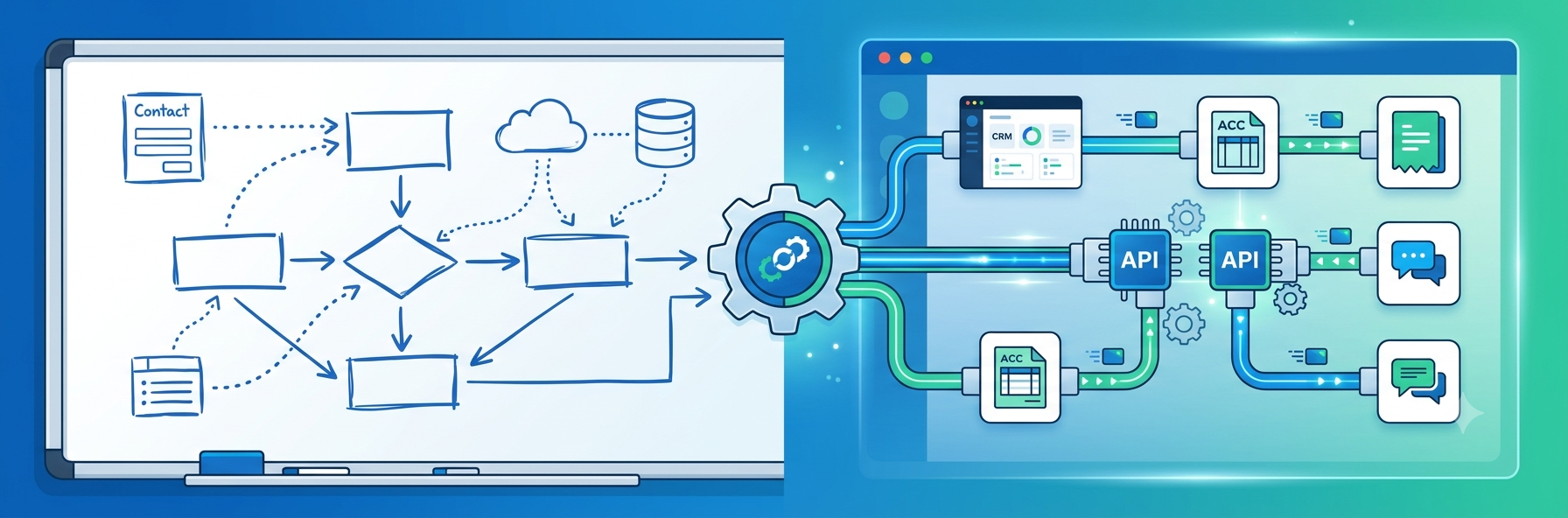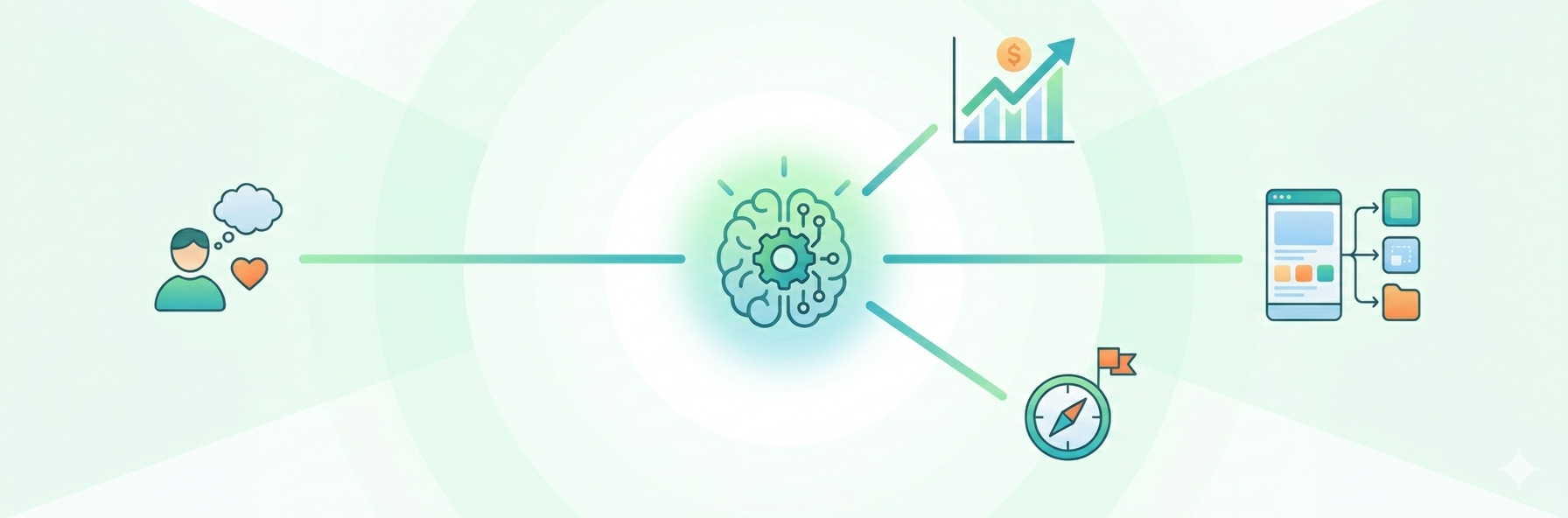
Building a digital product usually feels messy at the beginning. Teams are trying to connect business goals, user expectations, feature ideas, and technical limitations — often all at the same time. And until those pieces start making sense together, even good ideas can quickly become chaotic. That’s why many product teams rely on visual planning methods alongside professional UI/UX services. It helps them move from scattered thoughts and feature lists to something that actually feels structured and usable. One of the most useful tools at this early stage is a mind map. Instead of treating the product like a random collection of tasks, teams begin seeing how every feature connects to a larger experience.
Why Mind Mapping Fits Product Planning
Strong UX strategy sits somewhere between business goals and real human behaviour. If those two things drift apart, the product usually starts feeling confusing very quickly. A product can look polished in presentations and still frustrate users the moment they try to navigate it. People rarely stay long enough to admire the visuals if they can’t immediately understand what to do next. This is avoided via mind maps, which allow everyone to see the reasoning behind the product. Visual mapping helps teams slow down and examine the logic behind the product before development turns assumptions into expensive decisions.
Imagine a team building a SaaS dashboard. At first, everyone usually focuses on features: analytics, reports, filters, and notifications. But once the conversation shifts toward user goals, priorities suddenly become clearer. They can then create branches for essential tasks, success metrics, and user roles. Before designers even touch interfaces, the team already understands what users are trying to achieve and how the product is supposed to support that journey.
Another important thing happens here: assumptions become visible much earlier. Developers, designers, and product managers may examine the same map and talk about the same reasoning. Once the entire structure sits in front of the team, it becomes easier to notice how one decision can unexpectedly affect another part of the product. Catching those conflicts early usually saves far more time than teams expect.
Mapping User Needs Before Features
One of the most common mistakes is jumping straight into feature lists before anyone fully understands the problem itself. Teams often brainstorm dozens of ideas simply because they sound useful, not because they solve something users genuinely struggle with. Mapping changes the conversation completely. Suddenly, every feature needs a reason to exist, not just enthusiasm behind it.
A map indicates which features belong together in a banking app that includes digital wallets, transactions, and security settings. This greatly simplifies the construction of the navigation menu in the future.Grouping related actions together also reduces cognitive overload. Users shouldn’t waste energy trying to figure out where basic actions are hidden. The app feels more user-friendly as a result.
Identifying Missing Elements
Another advantage is that missing pieces become painfully obvious once the flow is mapped visually. Sometimes teams suddenly realize a payment flow has no confirmation step. Other times they notice there’s no clear way to undo an action or recover deleted data. You may notice that there is no delete option on a user profile. Problems like these are much cheaper to solve during planning than halfway through development, when the entire structure already depends on them.
Improving Team Alignment
Product planning also becomes easier because different teams finally start looking at the same picture instead of discussing isolated priorities. Market fit is important to founders. Usability is important to designers. Technical limitations are a concern for developers. Marketing teams concentrate on messaging and client expectations.
All of these perspectives come together in a common visual area created by a mind map. Agreeing on strict timelines and discussing trade-offs becomes considerably simpler. For distant teams who rely on digital whiteboards for collaboration, this visual style is very useful.
Visual planning tends to make meetings far more productive too. Instead of abstract discussions, teams can point to specific flows, branches, and user actions. Rather than debating abstract ideas, teams can refer to particular branches. Cross-functional cooperation is quicker and far more effective as a result of this transparency.
Turning the Map into a Roadmap
The benefits of mind maps extend well beyond initial brainstorming sessions. They firmly believe that project timing and realistic roadmap planning are important. Setting priorities comes right after mapping users, features, and pain areas.
To indicate the urgency of a certain branch, you can tag it. For instance, you can designate certain items as nice-to-haves for next upgrades or must-haves for the launch. Teams can transition from creative inquiry to rigorous project planning with the aid of this labelling. It establishes precise limits.
This is also one of the reasons strong startups avoid endless scope creep while weaker teams slowly drown in feature expansion. It is used by well-established businesses to set objectives for redesign. Teams may produce high-value changes without squandering time on low-priority features by identifying what matters most.
Final Thoughts
Product teams can move from disorganised thoughts to well-organised decisions with the use of mind maps. They greatly simplify the process of organising functionality, comprehending users, and creating a practical software roadmap. Seeing how each tiny component fits into the overall business plan is the real benefit of this technology.Teams that understand how all these decisions connect usually build products that feel much clearer, lighter, and easier to use — even when the system behind them is technically complex.
Published: May 26, 2026