Most SaaS integration projects start visually.
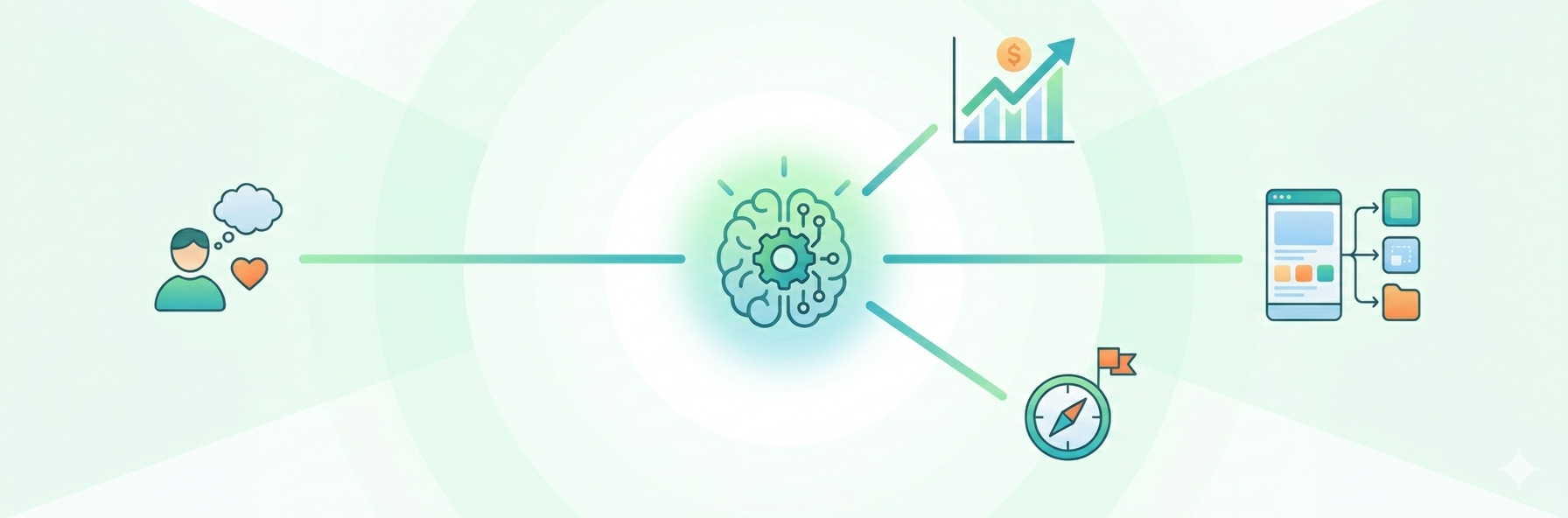
A product manager maps the customer journey. A solutions engineer draws the data flow. A customer success team explains where users get stuck. A developer writes down which APIs, webhooks, permissions, and edge cases need to be handled.
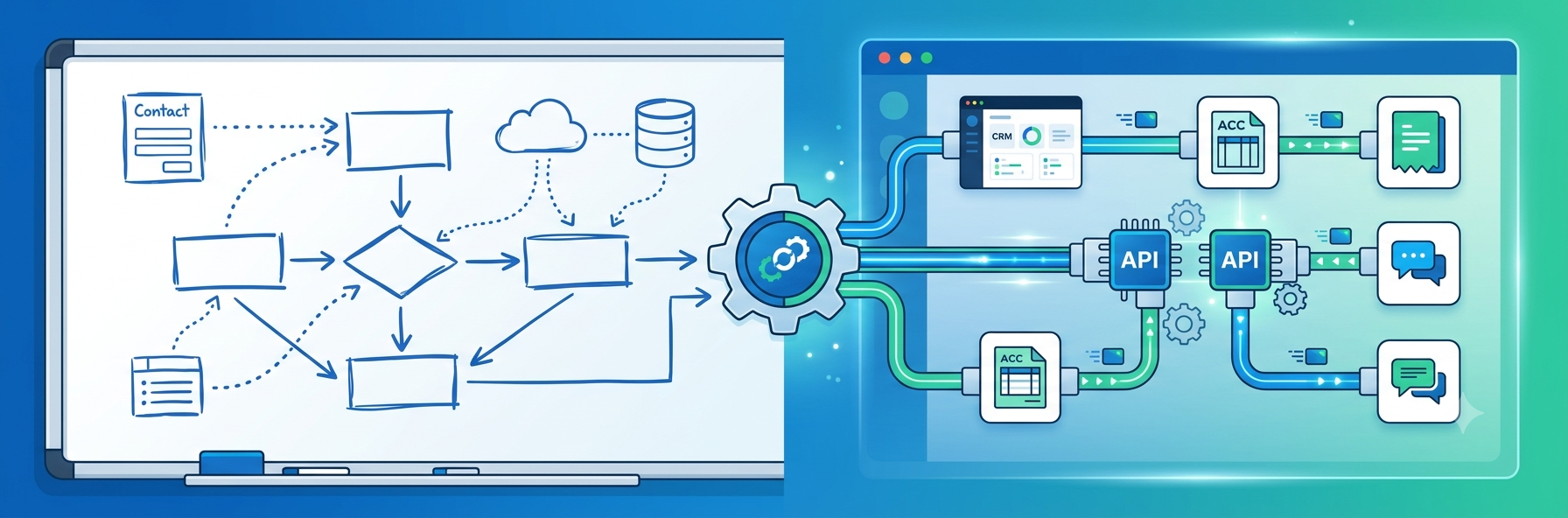
At this stage, the workflow often looks clear. Everyone can see what should happen. A new lead should move from a form into the CRM. A paid invoice should update accounting software. A support ticket should trigger an internal notification. A customer record should stay consistent across several tools.
The problem appears later, when the team has to turn that workflow map into a reliable customer-facing integration inside the SaaS product.
That is where many teams lose momentum.
Workflow mapping reveals the real customer problem
Customers usually do not ask for “an integration” in abstract terms. They ask for a job to be done.
They want new leads to appear in Salesforce or HubSpot. They want invoices to sync with QuickBooks or Xero. They want customer activity to update a data warehouse. They want support tickets to trigger Slack notifications. They want product usage data to update customer health scores.
A workflow map helps the SaaS team understand the process behind the request.
It shows:
- where the data starts;
- which systems are involved;
- what action should happen next;
- who needs visibility;
- what should happen when something fails;
- which parts of the workflow should be configurable by the customer.
This visual thinking is important. But a diagram is not the same as execution.
The integration gap is getting larger
Modern companies use a huge number of applications, and most of them are not fully connected. MuleSoft’s 2025 Connectivity Benchmark Report found that the average enterprise manages 897 applications, but only 29% are integrated. The same report says 92% of enterprises are engaged in digital transformation efforts, while 96% are incorporating AI to improve services.
That gap creates pressure on SaaS companies. Customers expect products to fit into their existing stack. They do not want another isolated tool. They want software that connects to the tools they already use.
When integrations are missing, customers create workarounds. They export CSV files. They copy and paste data. They ask support teams for help. They build fragile scripts. They delay adoption. Sometimes they choose a competitor that connects better with their stack.
For SaaS companies, integrations are no longer just a technical feature. They are part of the product experience.
Why workflow maps become complex in production
A workflow can look simple on a whiteboard:
“Send new form submissions to the CRM.”
But in production, the team needs to handle much more:
- authentication;
- OAuth flows;
- API limits;
- field mapping;
- duplicate records;
- retries;
- error messages;
- user permissions;
- logs;
- webhook security;
- customer-specific variations;
- support troubleshooting.
The same workflow may need different logic for different customers. One customer wants every form submission sent to the CRM. Another wants only qualified leads. Another wants leads routed based on company size. Another wants a Slack notification before CRM creation.
The whiteboard shows the ideal workflow. Production requires infrastructure.
Postman’s 2025 State of the API Report found that 93% of API teams struggle with collaboration blockers, which can lead to duplicated work, delays, and degraded quality. It also found that 65% of organizations generate revenue from their API programs, showing that APIs are increasingly tied to business value, not just backend operations.
This is why integration planning needs to connect visual workflow thinking with scalable implementation.
Embedded iPaaS connects the map to the product
Many SaaS teams start by building integrations manually. That can work for the first few connectors. But as customer requests grow, the integration backlog becomes harder to manage.
Every new connector needs design, development, testing, documentation, maintenance, and support. Every customer-specific variation creates more complexity.
This is why teams consider embedded iPaaS. Instead of building every connector and workflow from scratch, embedded iPaaS gives SaaS companies a way to offer customer-facing integrations inside their own product experience.
The goal is not just to connect APIs. The goal is to let users configure useful workflows without leaving the product.
Better integrations start before development
Before building an integration, SaaS teams should answer several practical questions:
- What job is the customer trying to complete?
- Which system is the source of truth?
- What data needs to move?
- What should happen if the API fails?
- Does the customer need to configure the workflow?
- Which fields should be mapped?
- Which actions need approval?
- How will support debug errors?
- How will the integration scale across customers?
These questions help teams avoid building integrations that look good in a demo but fail in real customer environments.
The best integrations feel invisible
Great SaaS integrations do not make users think about APIs, webhooks, authentication, or data formats. They simply make the workflow happen.
Data moves when it should. Errors are understandable. Customers can configure what matters. Support can troubleshoot issues. Product teams can ship new connections without rebuilding the same infrastructure again and again.
Workflow mapping helps teams understand the customer journey.
Embedded integration infrastructure helps them turn that journey into a working product experience.
For SaaS teams, the future of integrations is not only about adding more connectors. It is about turning customer workflow maps into reliable automation inside the product itself.
Published: June 11, 2026