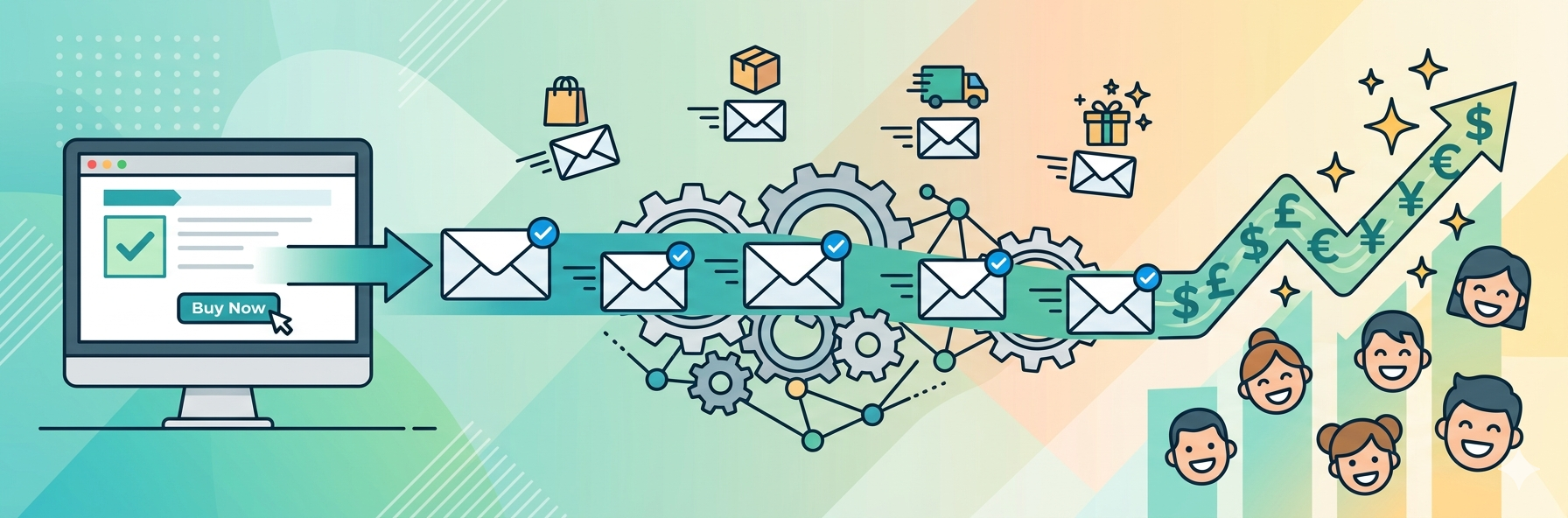
Surprisingly many ecommerce brands still treat order confirmation email like simple digital receipts. In reality these emails can do much more than confirm a purchase and when automated properly they help build trust, improve customer experience, reduce support tickets and even generate additional revenue.
That’s why order confirmation email automation has become an essential part of modern ecommerce email marketing.
What Is an Order Confirmation Email?
An order confirmation email is an automated transactional message sent immediately after a customer completes a purchase. It confirms that the order was successful and provides important purchase details.
Typically, these emails include:
- Order number
- Product details
- Payment summary
- Shipping information
- Estimated delivery date
- Customer support contact details
More importantly they reassure customers that their order is being processed correctly.
According to ecommerce email marketing studies from platforms like Mailchimp and Omnisend, transactional emails often achieve open rates between 60% and 70%, significantly higher than traditional promotional campaigns. That makes confirmation emails one of the most visible touchpoints in the entire customer journey.
Why Order Confirmation Email Automation Matters
Sending confirmation emails manually may work for very small businesses but it quickly becomes inefficient and inconsistent as order volume grows.
Automation ensures that every customer receives a fast accurate and professional response immediately after checkout without requiring manual effort from your team.
But the real value goes beyond convenience.
A well-structured automated confirmation system can:
- Reduce customer anxiety after purchase
- Improve overall customer satisfaction
- Lower “Where is my order?” support requests
- Strengthen brand credibility
- Encourage repeat purchases
- Increase post-purchase engagement
Many smaller ecommerce stores overlook this completely which is surprising considering how often these emails are opened compared to standard marketing campaigns.
Key Elements of a High-Converting Order Confirmation Email
Not all confirmation emails perform equally, some simply confirm the purchase while others actively improve customer retention and long-term revenue.
Here are the elements that matter most.
1. Write a Clear and Reassuring Subject Line
Your subject line should instantly confirm that the order was successful.
Examples include:
- Your Order Has Been Confirmed
- Thanks for Your Purchase, Sarah!
- We’ve Received Your Order Here’s What Happens Next
Simple and direct subject lines usually perform best because customers are actively looking for confirmation after checkout.
2. Include a Complete Order Summary
Customers should never have to search for purchase details.
A good confirmation email includes:
- Product names
- Quantities
- Prices
- Product images
- Billing details
- Shipping address
- Estimated delivery timeframe
This creates confidence and reduces unnecessary support requests.
3. Explain the Next Steps
One of the easiest ways to build customer trust is by setting expectations clearly.
Let customers know:
- When the order will ship
- When tracking information will arrive
- Typical delivery times
- What happens if there’s a delay
Transparency improves the post-purchase experience significantly.
4. Make Support Easy to Access
Customers occasionally need help after placing an order If support information is difficult to find, frustration increases quickly.
Avoid using “no-reply” email addresses whenever possible Instead provide:
- A support email
- Help center link
- Live chat option
- Return policy page
This small detail can improve customer satisfaction and even protect your email deliverability over time because engaged customers are less likely to mark messages as spam.
5. Add a Soft Upsell or Recommendation
Order confirmation emails can also drive additional revenue when done carefully.
For example:
- Product recommendations
- Accessories related to the purchase
- Loyalty program invitations
- Referral discounts
- Personalized bundles
The key is subtlety customers should feel supported not aggressively sold to.
How to Set Up Order Confirmation Email Automation
Setting up automation doesn’t need to be complicated and most ecommerce platforms already support automated workflows.
Here’s a practical step-by-step approach.
Step 1: Choose the Right Automation Platform
Most modern ecommerce tools support trigger-based email automation.
Popular platforms include:
- Klaviyo
- Omnisend
- Mailchimp
- Shopify Email
- ActiveCampaign
Choose a platform that integrates directly with your store so customer and order data populate automatically.
Step 2: Create the Purchase Trigger
Your workflow should activate immediately after checkout is completed.
The faster the confirmation arrives the better the customer experience and Ideally the email should be delivered within seconds of the transaction.
Step 3: Build a Post-Purchase Email Sequence
Instead of sending only one confirmation email create a full automated post-purchase workflow.
| Email Type | Timing | Main Goal |
|---|---|---|
| Order Confirmation | Immediately | Confirm purchase and reduce anxiety |
| Shipping Notification | When shipped | Provide tracking details |
| Delivery Confirmation | Upon delivery | Build trust and excitement |
| Review Request | 5–7 days later | Encourage reviews and repeat purchases |
This type of automation creates a smooth and professional customer journey without increasing manual workload.
Step 4: Personalize the Experience
Personalization helps emails feel more human and less automated.
Useful personalization elements include:
- Customer first name
- Product-specific recommendations
- Loyalty rewards updates
- Location-based shipping information
- Dynamic product images
Even small personalized details can improve engagement rates.
Step 5: Test Everything Before Launch
Before activating your workflow, place several test orders yourself.
Check:
- Mobile responsiveness
- Broken links
- Product images
- Dynamic variables
- Delivery timing
- Formatting issues
A broken order confirmation email can damage trust almost immediately.
Common Mistakes to Avoid
Even experienced ecommerce brands make avoidable mistakes with transactional emails.
Overloading the Email With Promotions
Customers open confirmation emails primarily to verify their purchase and too many banners or promotional blocks can make the email feel cluttered and distracting.
Hiding Important Information
The order number delivery estimate and payment summary should be easy to locate immediately.
Ignoring Mobile Optimization
A large percentage of ecommerce purchases now happen on smartphones. If your email is difficult to read on mobile devices the customer experience suffers instantly.
Using Generic Templates
Basic templates work but personalized and branded confirmation emails create a stronger emotional connection with customers.
Failing to Monitor Performance
Automation should never be “set and forget.”
Track metrics like:
- Open rates
- Click-through rates
- Repeat purchase rates
- Support ticket volume
- Revenue per email
Regular optimization can produce surprisingly strong long-term gains.
How Order Confirmation Emails Support Customer Retention
Most ecommerce brands spend heavily on customer acquisition but underestimate the importance of post-purchase communication.
That’s a mistake.
The moments immediately after checkout strongly influence how customers remember your brand. A fast, clear and well-designed confirmation email creates reassurance and professionalism.
Over time small improvements in post-purchase automation can increase:
- Repeat purchases
- Customer lifetime value
- Brand loyalty
- Referral activity
- Customer satisfaction
In many cases improving customer retention is far less expensive than constantly acquiring new customers through paid advertising.
Frequently Asked Questions
What should an order confirmation email include?
A confirmation email should include the order number purchased items payment summary shipping details estimated delivery date and customer support information.
How quickly should confirmation emails be sent?
Ideally confirmation emails should arrive within a few seconds after the transaction is completed.
Can order confirmation emails increase sales?
Yes. Personalized upsells loyalty offers and product recommendations can generate additional revenue through post-purchase engagement.
Which platforms support email automation?
Popular platforms include Klaviyo, Mailchimp, Omnisend, ActiveCampaign, and Shopify Email.
Why are transactional emails important for customer trust?
They reassure customers that their purchase was successful and provide transparency about what happens next.
Conclusion
Order confirmation email automation is much more than an operational feature or It’s a valuable part of the customer experience.
When customers receive a fast accurate and helpful confirmation email they immediately feel more confident about their purchase. That trust can influence whether they return for future orders or recommend your brand to others.
Start with a simple but professional confirmation email and then expand into a complete post-purchase automation sequence that includes shipping updates, delivery confirmations, and feedback requests.
The businesses that pay attention to these small customer experience details are often the ones customers remember and buy from again.
Published: June 1, 2026